How-to guides
Add your team and set roles and permissions
Invite the people who work in Launch OS and control what each of them can do.
Bring your team into Launch OS so work can be assigned, routed, and approved by the right people. Each person gets their own login.
Add team members
During setup, the Your Team step lets you add people. You can add more anytime in Settings → Team with Invite Member.
Roles
When you add someone, you pick their role — Admin or Team Member:
- Admin manages settings, clients, and the team, and approves work.
- Team Member views, creates, and routes work, and acts on the reviews assigned to them.
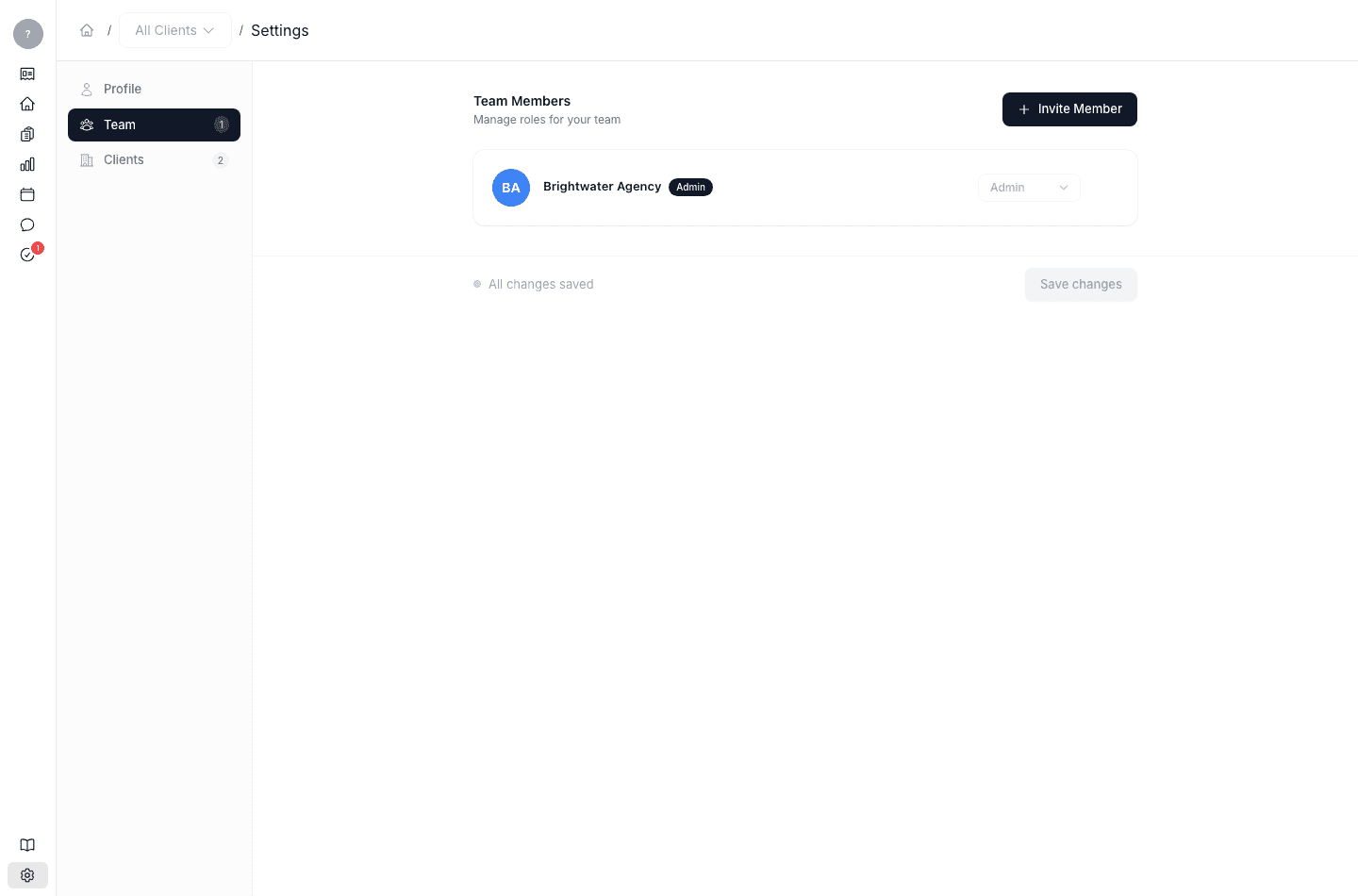
You can change a person's role anytime in Settings → Team. For more detail, see Roles and permissions.