Sharpen a voice profile
Improve how closely Launch OS matches a client's voice by editing their voice profile.
Every client has a voice profile in the Knowledge Base — a description of how they sound that Launch OS reads whenever it writes for them. If drafts for a client aren't quite landing, the voice profile is the first place to fix it.
Steps
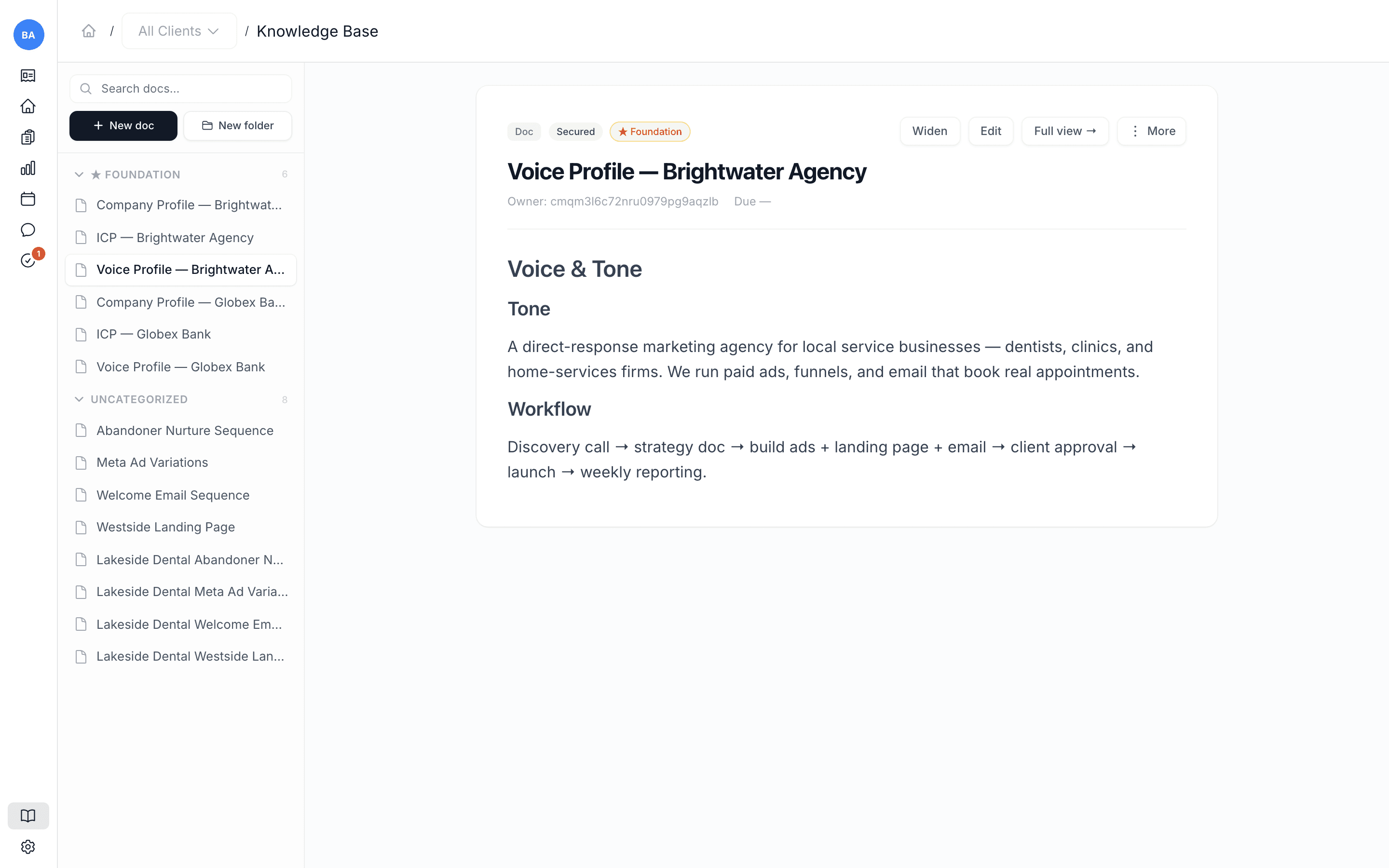
Open the voice profile
In Knowledge Base, open the client's voice profile (under the ★ Foundation documents).
Refine it
Edit the description to better capture how the client sounds — their tone, the words they use and avoid, sentence length, point of view. Adding short examples of their actual writing helps a lot.
Save
Save the document. From here on, new drafts for that client are written against the sharper profile.
What's next
This is the same idea as updating any client context — see Add or update a client's context for the broader foundation documents.