Add or update a client's context
Keep a client's profile, ideal customer, and messaging current so drafts stay on-target.
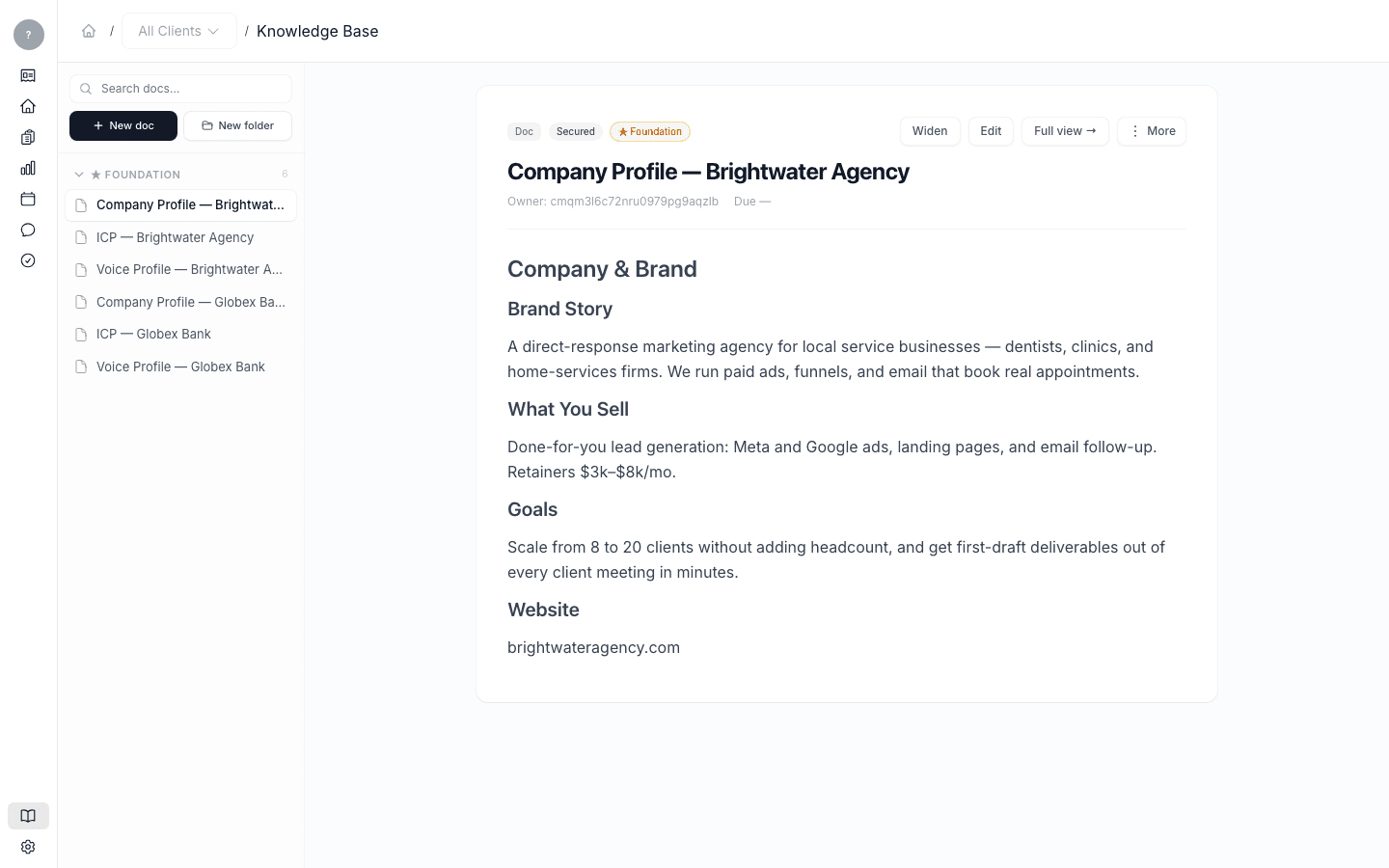
Alongside the voice profile, each client has foundation documents that tell Launch OS who they are and who they're trying to reach: a company profile, one or more ideal-customer profiles, and a messaging framework. Drafts are written against these, so keeping them current keeps drafts on-target.
Update a client's context
In Knowledge Base, open the client's foundation document you want to change — for example their ideal-customer profile or messaging framework — edit it, and save.
When to do this
Update a client's context whenever something real changes: a new target audience, a sharpened offer, a positioning shift, a new product. Because Launch OS reads these documents every time it generates work, the change flows into the next drafts automatically.
What each document is for
For a plain-English rundown of each foundation document and how the system uses it, see Foundation documents explained.