How-to guides
Edit a deliverable
Refine a first draft directly in Launch OS before sending it for review.
First drafts are a starting point. You'll usually want to refine one before it goes out. Text deliverables — emails, copy, documents — are editable right in Launch OS.
Steps
Open the deliverable
Open the draft (for example, from a to-do's "→" link in the digest).
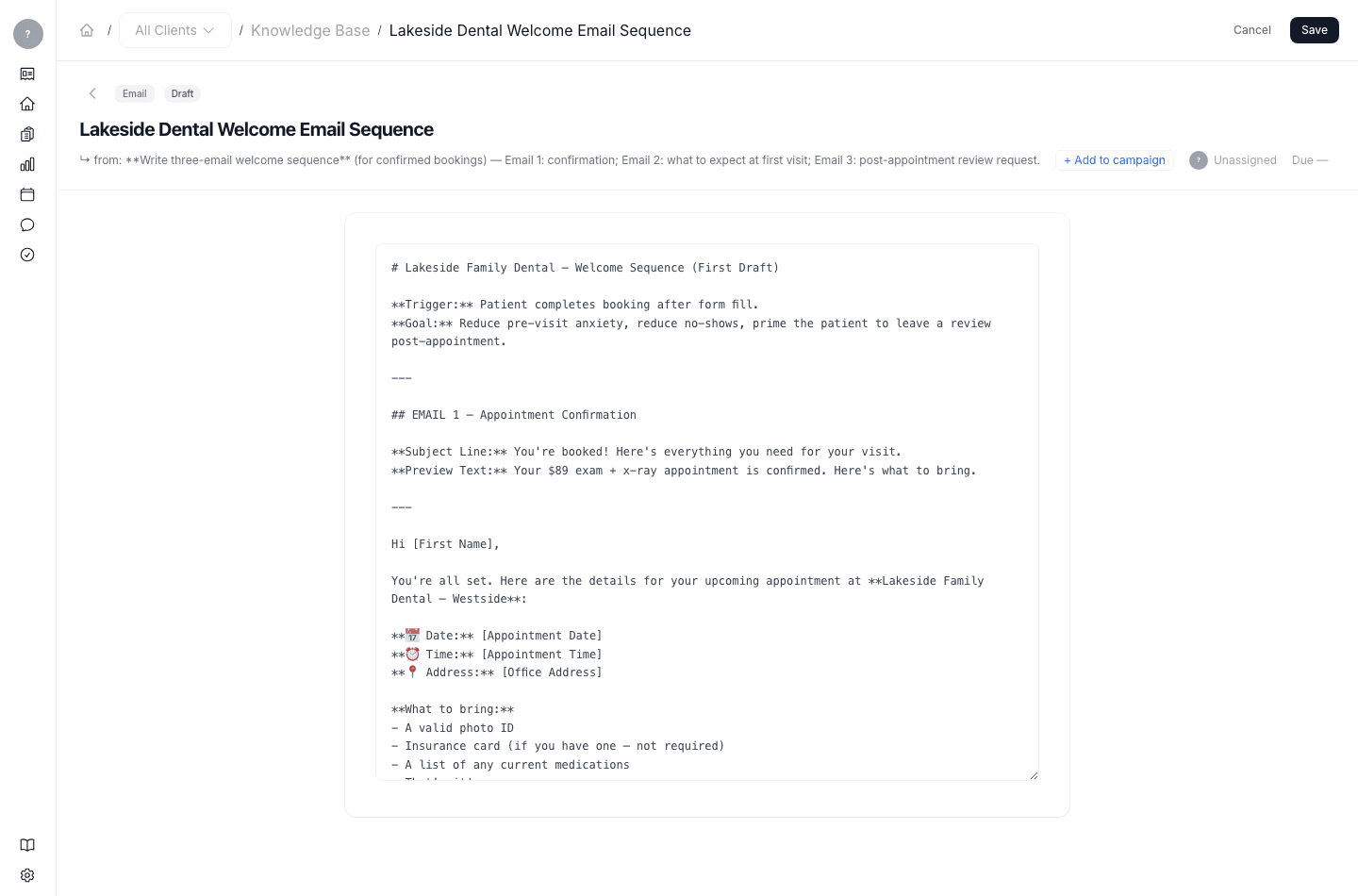
Make your changes and save
Edit the text directly, then save. Your change is kept as a new revision, so the draft's history is preserved.
What's next
When the draft is ready, send it for review.