How-to guides
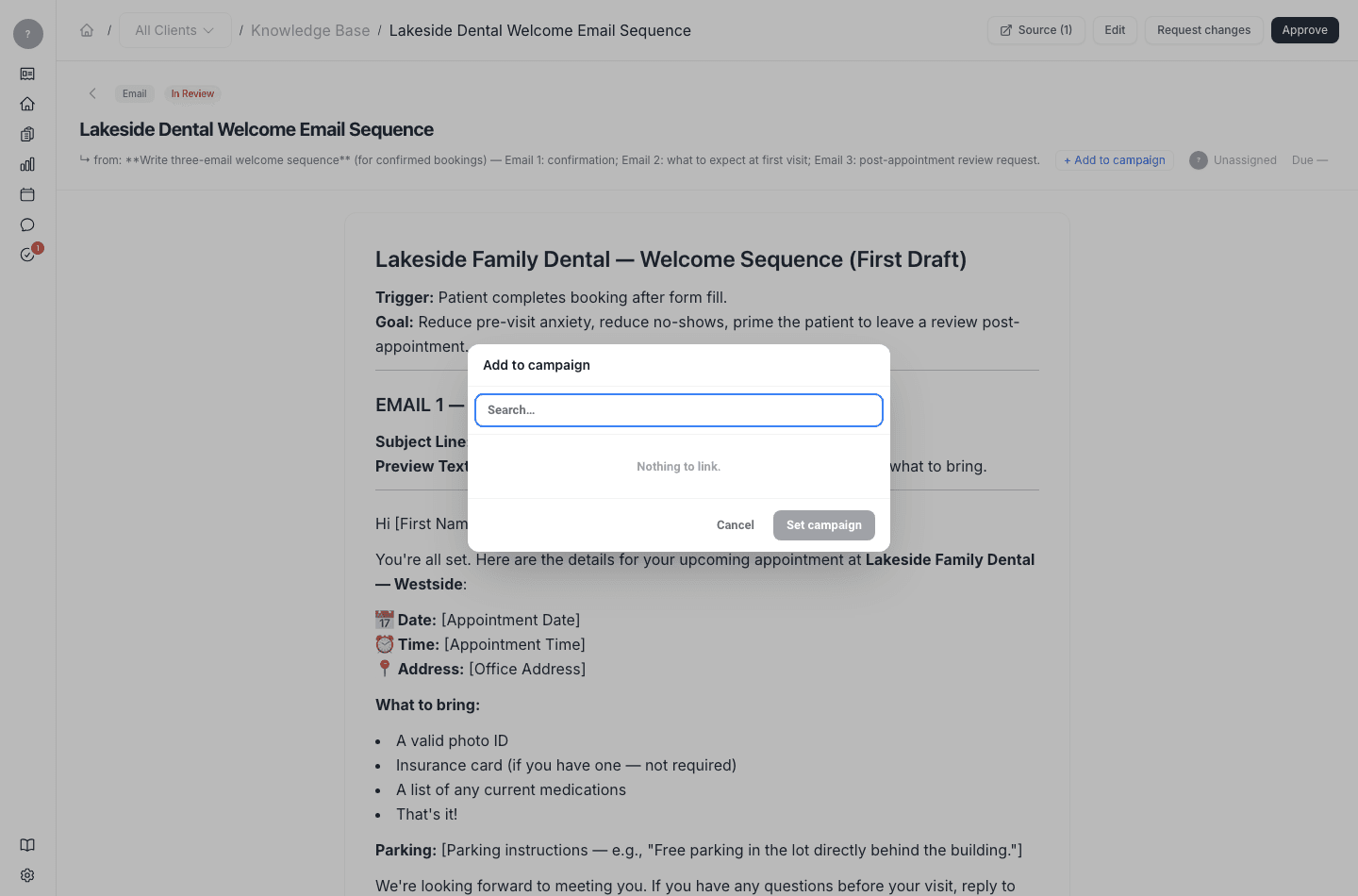
Add an approved deliverable to a campaign
Promote finished work into the campaign it belongs to.
Once a deliverable is approved, you promote it into a campaign so your finished work is organized in one place.
Steps
Open the deliverable
Open the approved deliverable.
What's next
See the work in context in Campaigns. To set up a campaign in the first place, see the guide on creating and running a campaign.