How-to guides
Find your work
The three places to see what needs you in Launch OS.
There are three reliable ways to find your work.
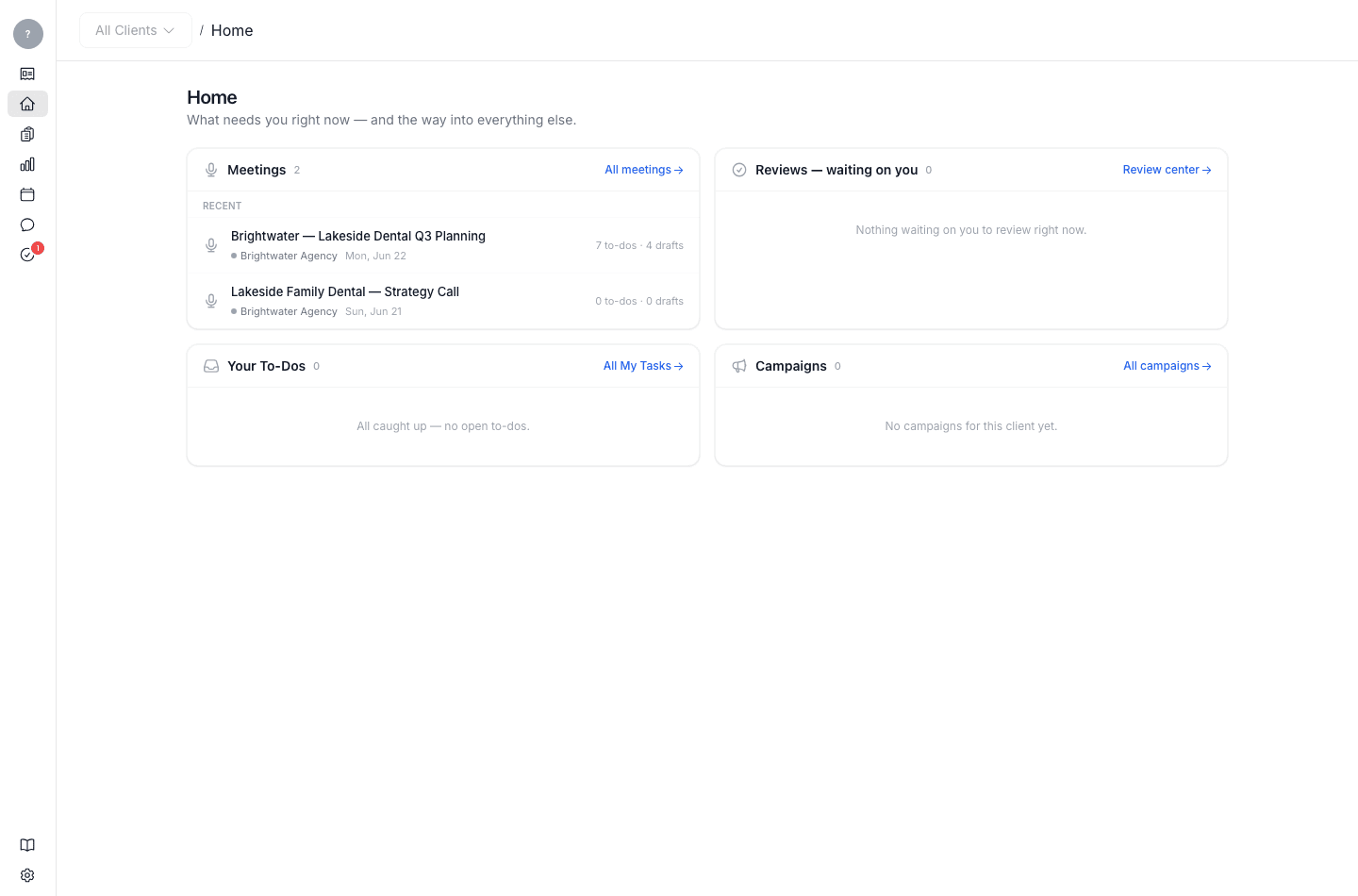
- Home — your daily landing screen. It shows recent meetings, the reviews waiting on you, your open to-dos, and your campaigns, so you can see what needs attention at a glance.
- My Tasks — all your to-dos across every meeting and client, in one list.
- A meeting's digest — the to-dos and drafts from a specific meeting. Open a meeting from the Meetings inbox to see them.
From any of these, click into a to-do to open the draft written for it and start working.