How-to guides
Capture your voice
Give Launch OS a feel for how you write so drafts come out in your voice.
The closer Launch OS gets your voice, the less editing you'll do. You give it a sense of your voice during setup, and you can sharpen it anytime.
During setup
The Voice & Workflow step asks you to describe how your brand sounds — tone, style, the words you use and avoid. Write it the way you'd explain it to a new hire. The more detail you give, the better the system matches your style from the first draft.
Sharpen it anytime
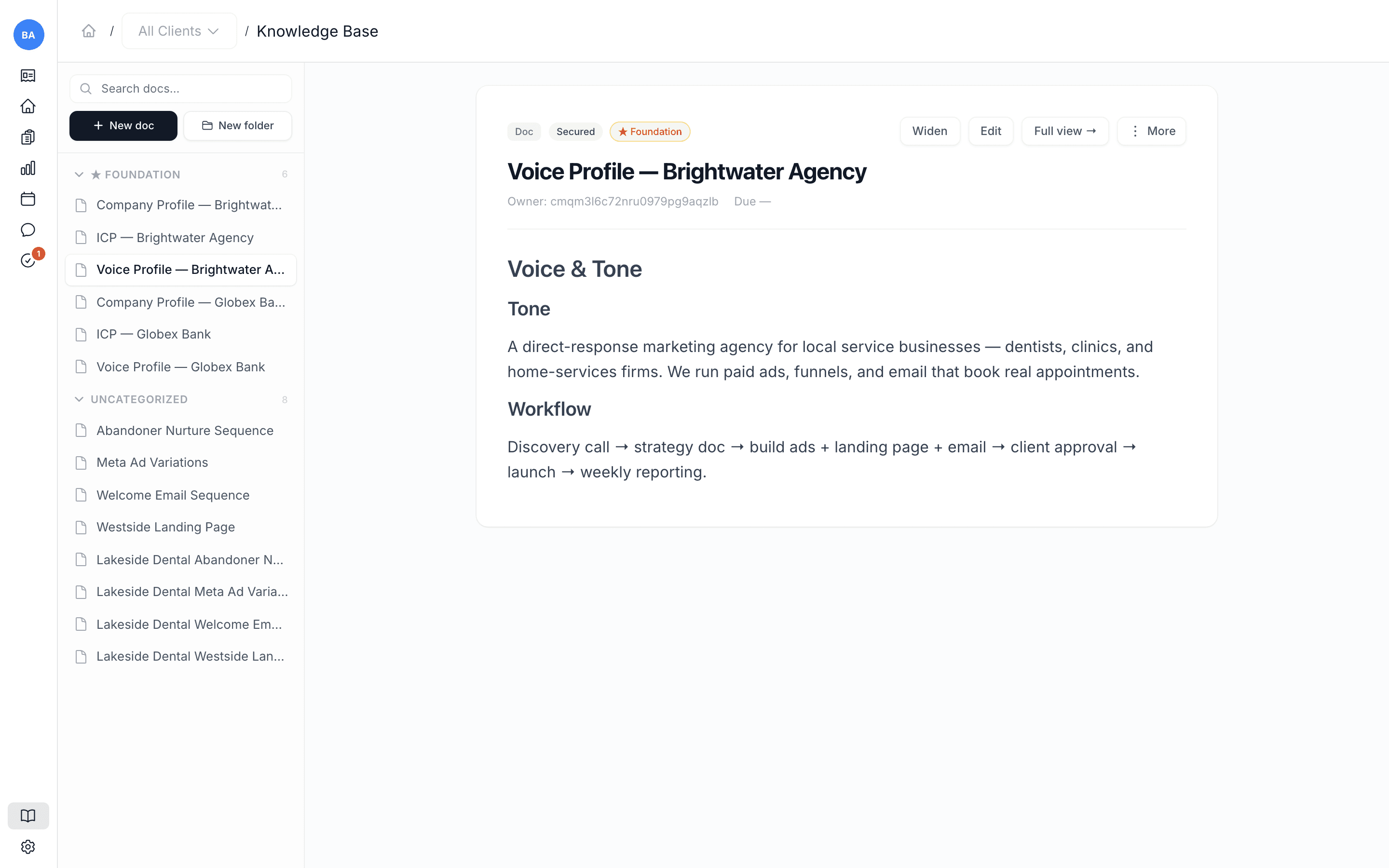
Your voice lives as a voice profile in the Knowledge Base, and editing it is the most direct way to improve how drafts sound. See Sharpen a voice profile.