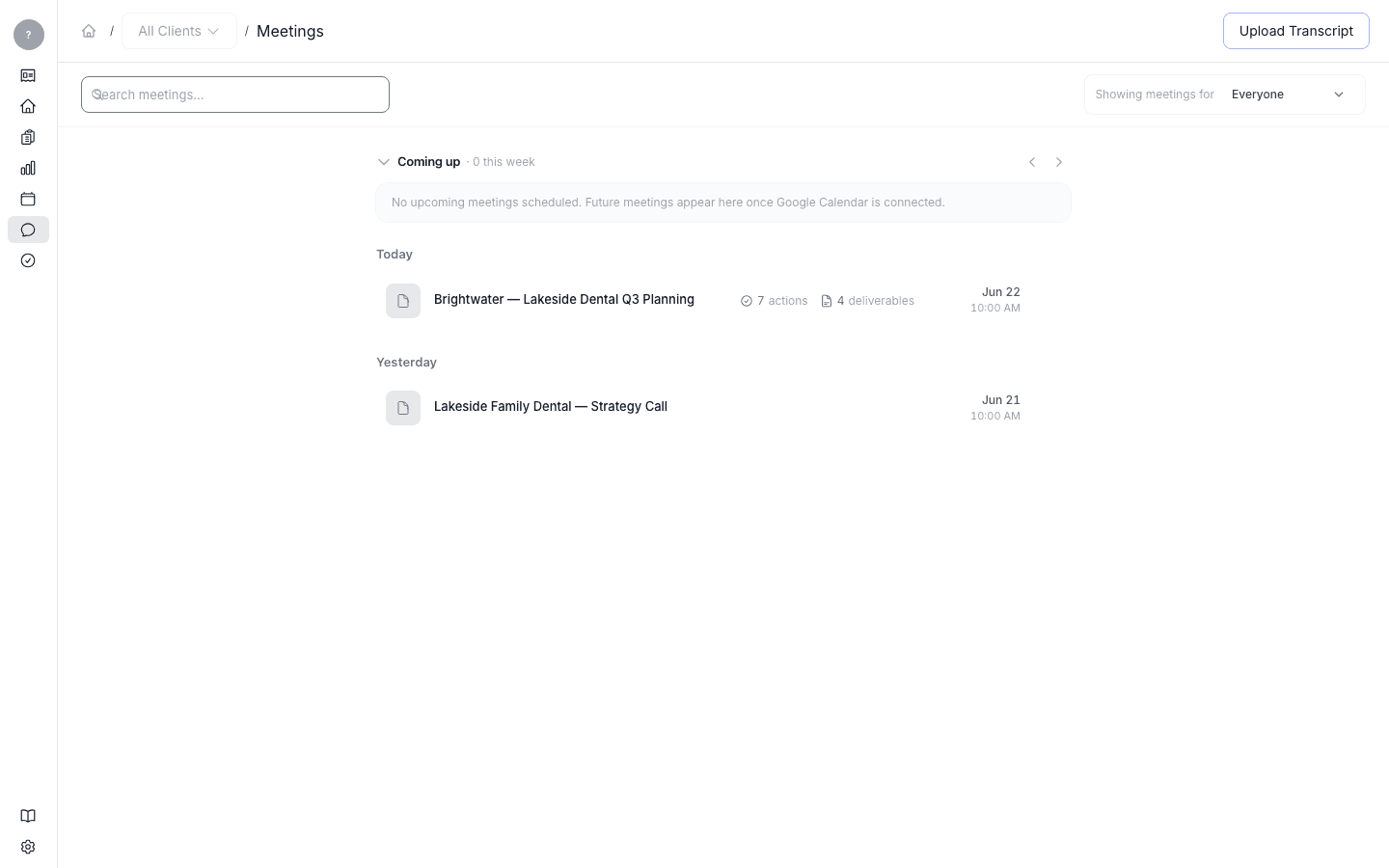
Connect Shadow so meetings flow in automatically
Set up Shadow so your meetings are sent into Launch OS as they happen.
Uploading transcripts by hand is fine to start, but the smoother way to run is to have meetings arrive on their own. That's what Shadow does — it captures your meetings and sends them into Launch OS automatically, so a digest is waiting for you afterward without any manual step.
How it works
Your workspace has a private ingest address — a unique web address that Shadow sends each captured meeting to. You point Shadow at that address once, and from then on every meeting Shadow captures is sent in, processed, and turned into a summary, to-dos, and first drafts — the same as a manual upload, just automatic.
The ingest address is unique to your workspace and acts like a key — keep it private. It's provided when your workspace is set up; if you can't find it, reach out to the Launch OS team and we'll send it over.
Once Shadow is connected, you can stop uploading transcripts by hand. You can still upload one anytime — for example, for a meeting Shadow didn't capture.