How-to guides
Raise a decision for your team
Put a question or strategic call in front of the right person, not just an asset to approve.
Not everything that needs a person is a draft to approve — sometimes you need the team to decide something. For that, raise a decision.
Steps
Open the Review Center
Go to Reviews in the sidebar.
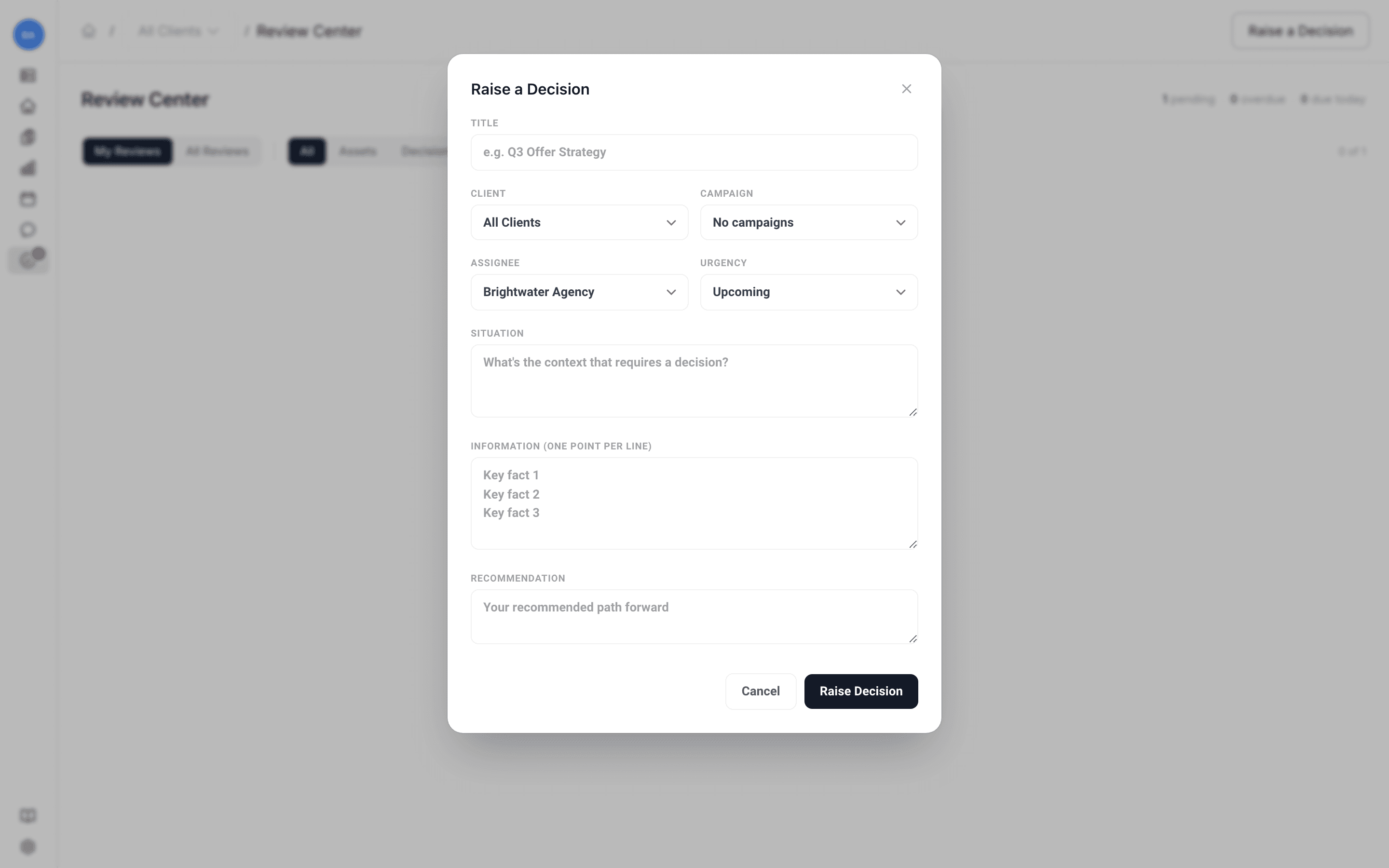
The decision lands in the Review Center alongside asset approvals, so everything that needs human judgment lives in one place. Whoever needs to weigh in can act on it there. See Review, approve, or request changes.