How-to guides
Create and run a campaign
Organize a client's work into a campaign over time.
A campaign is the central place a client's work is organized — the deliverables you've approved, grouped under one effort, tracked over time.
Create a campaign
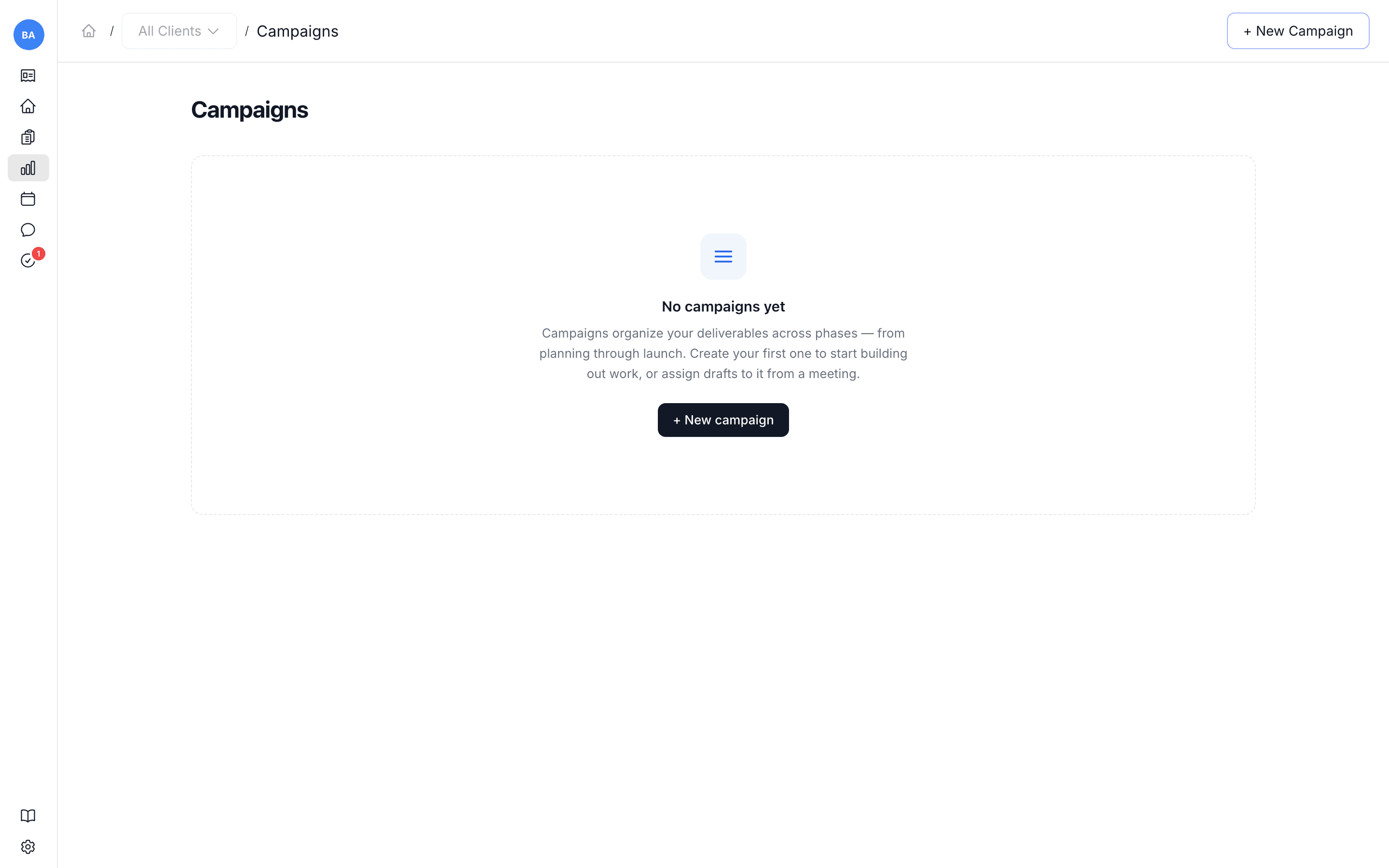
Open Campaigns and use New Campaign to create one for the active client.
Fill it with work
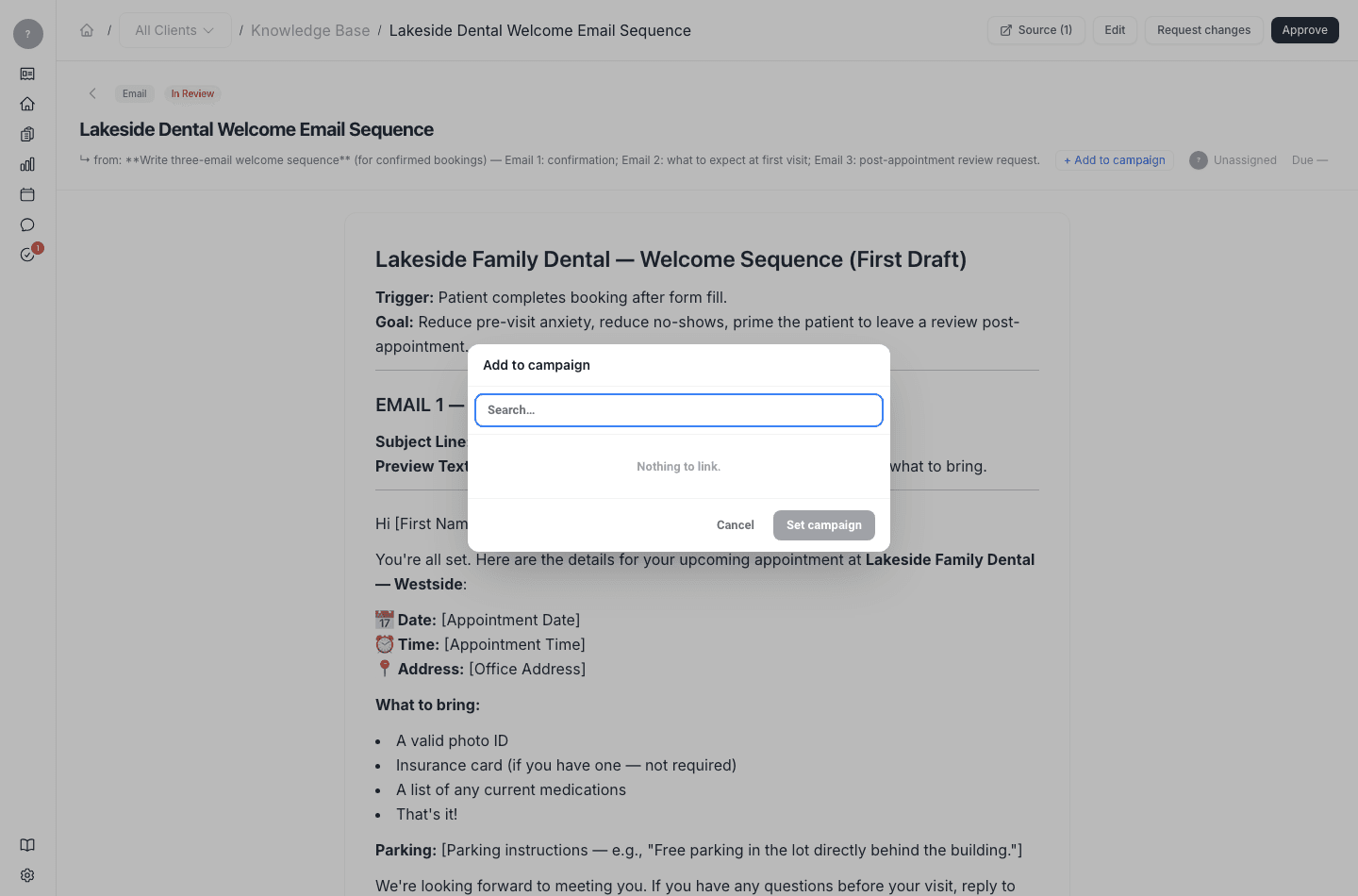
As you approve deliverables, add them to the campaign they belong to. The campaign then shows the work in one place, so you can see what's done and what's still in flight for that client.