How-to guides
Send a deliverable for review
Route a draft to a teammate or client for approval.
When a draft is ready, you send it for review so the right person can approve it. It then shows up in their Review Center.
Steps
Open the deliverable and start the review
Open the draft and click Send for review.
Choose the reviewer and add context
Pick who should review it, and add a short note of context so they know what they're looking at and what you need from them. Submit it.
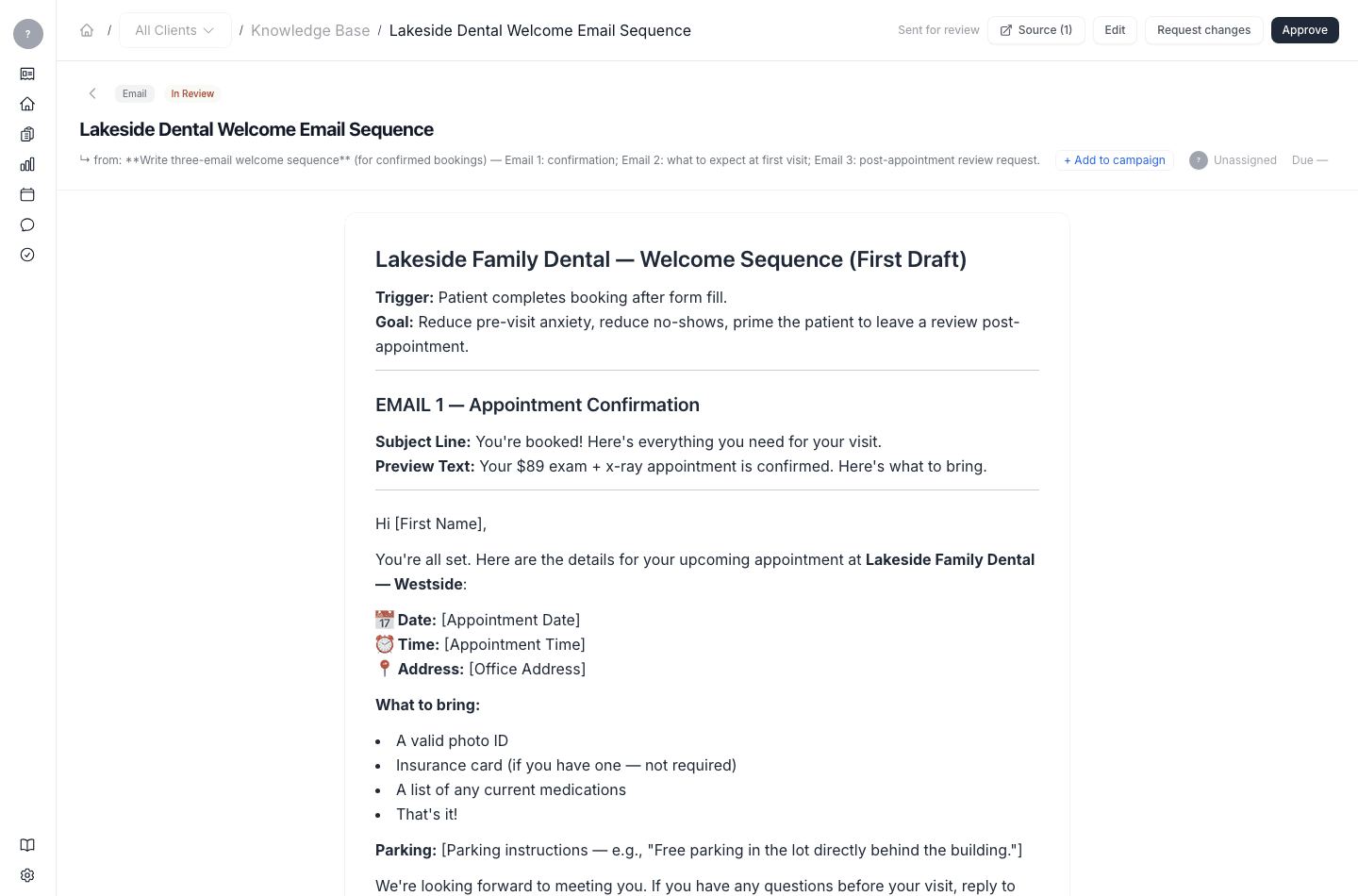
What happens next
The deliverable lands in the reviewer's Review Center, where they can approve it, request changes, or send it on to someone else.