How-to guides
Create a doc and organize folders
Add your own documents to the Knowledge Base and keep it tidy.
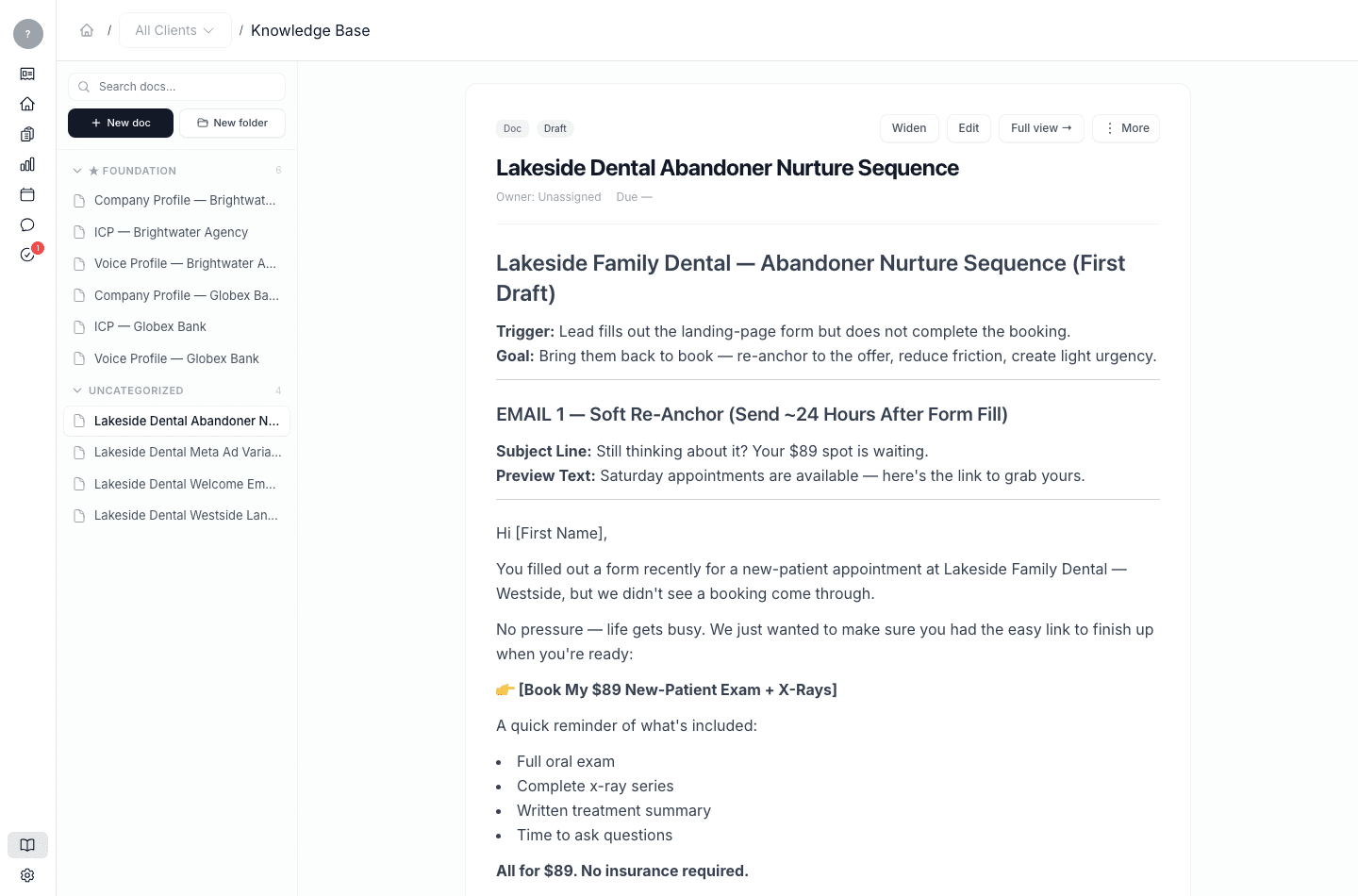
Beyond what meetings produce, you can add your own documents to the Knowledge Base — a second ideal-customer profile, a reference doc, notes you want the system to use as context.
- New doc creates a document in the Knowledge Base.
- New folder creates a folder to group documents.
Anything you add becomes context Launch OS can read when it generates work, so it's a useful way to feed in knowledge that didn't come from a meeting. For everyday viewing and editing, see Browse and edit your Knowledge Base.