Reference
Roles and permissions
The team roles in Launch OS and what each controls.
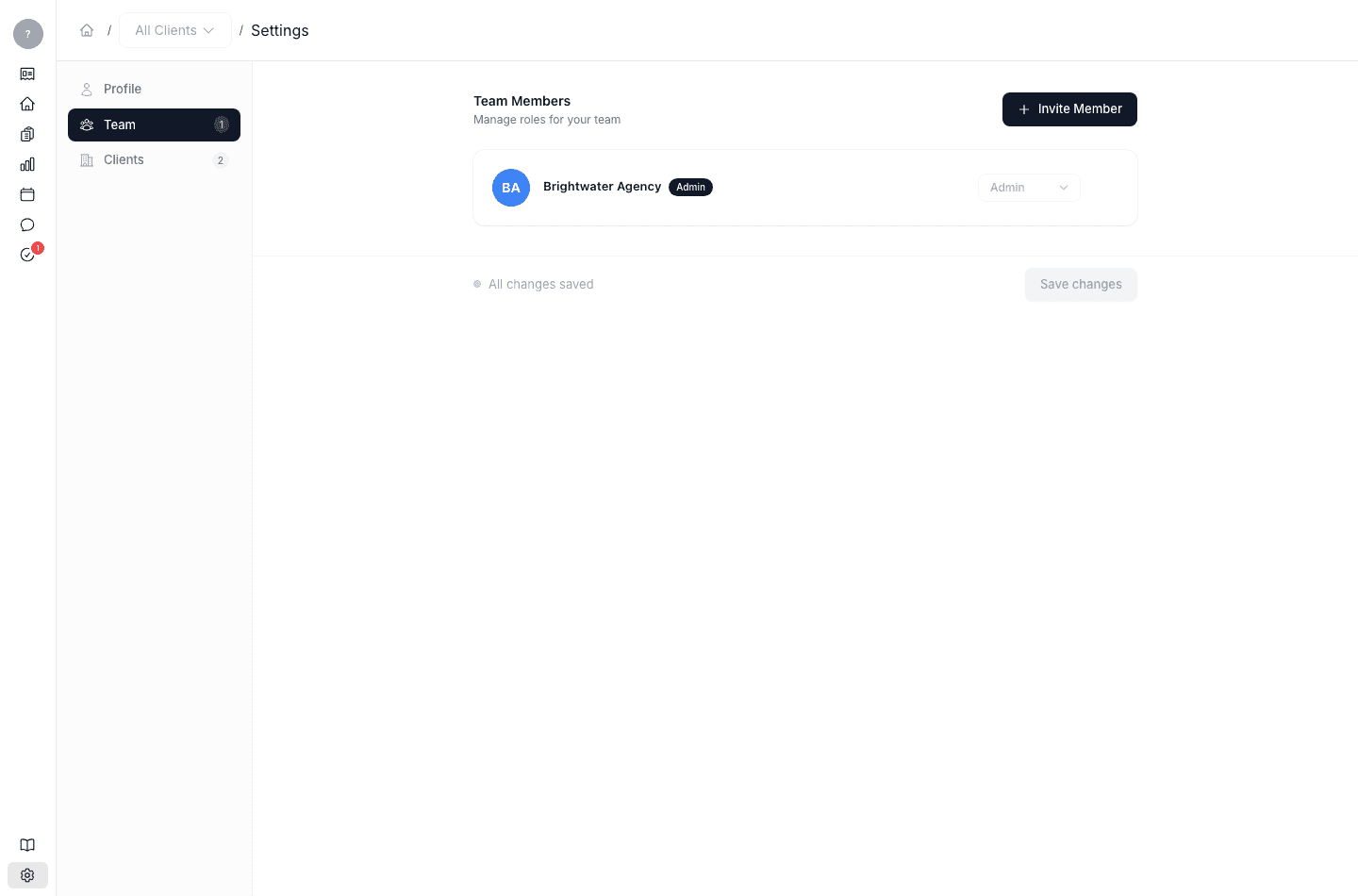
When you add someone to your team, you choose their role. The role controls what they can see and do, which keeps assignments and approvals flowing to the right people. Two roles matter:
| Role | What it's for |
|---|---|
| Admin | Full access — manages settings, clients, and the team, and approves work. The agency owner is an Admin. |
| Team Member | Does the work — views, creates, and routes deliverables, and acts on the reviews assigned to them. |
You set a person's role when you add them, and you can change it anytime in Settings → Team. (You may also see a Manager option in the picker; it currently behaves the same as a Team Member.)
Clients are separate from your team. They're the companies your agency works for, managed in Settings → Clients — not roles you assign to people. See Add and manage your clients.