Reference
Screen reference
What each screen in Launch OS Agents is for, at a glance.
A quick reference to the screens in the left sidebar.
| Screen | What it's for |
|---|---|
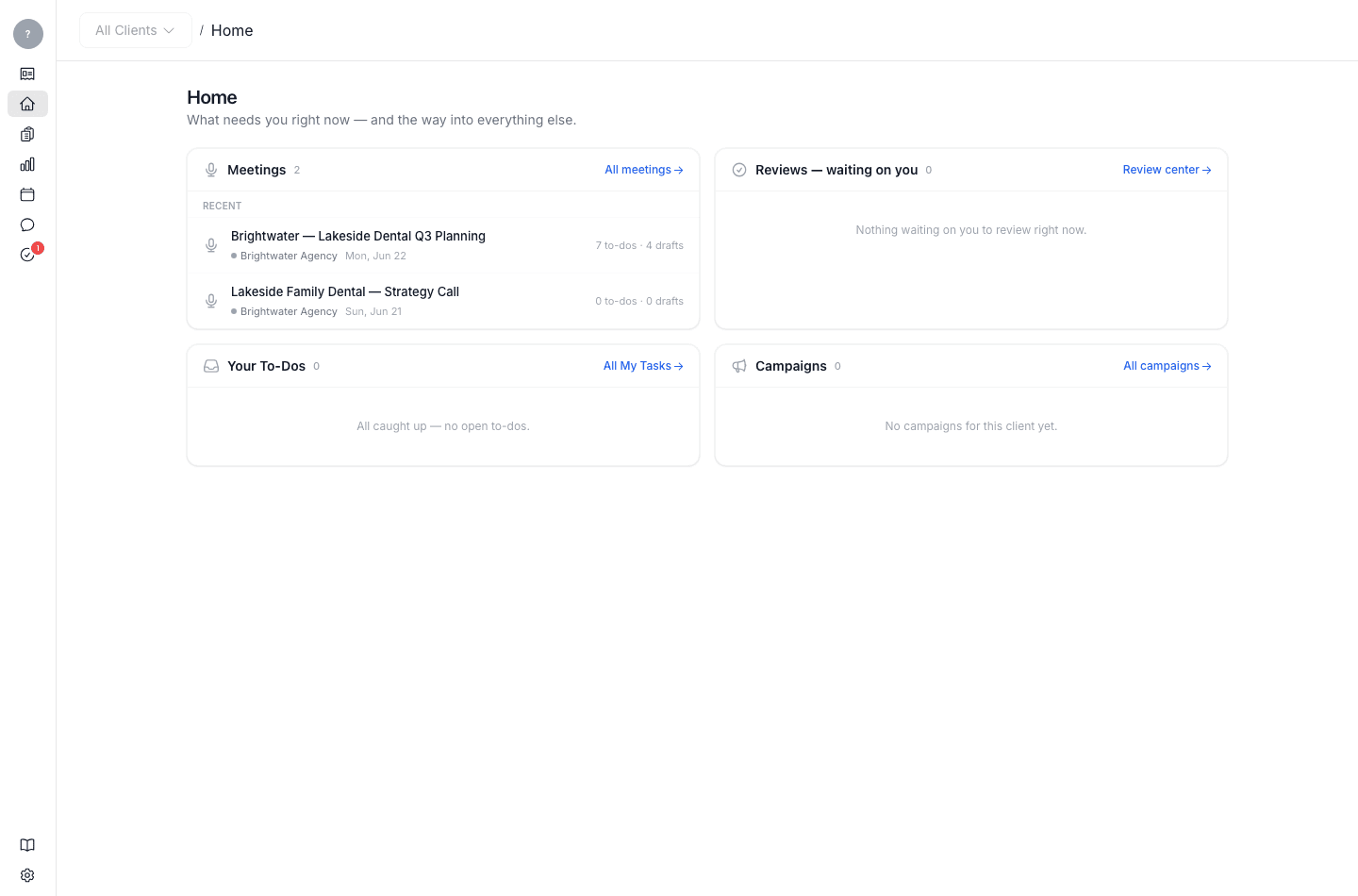
| Home | Your daily landing screen — what needs you right now: recent meetings, reviews waiting on you, your to-dos, and your campaigns. |
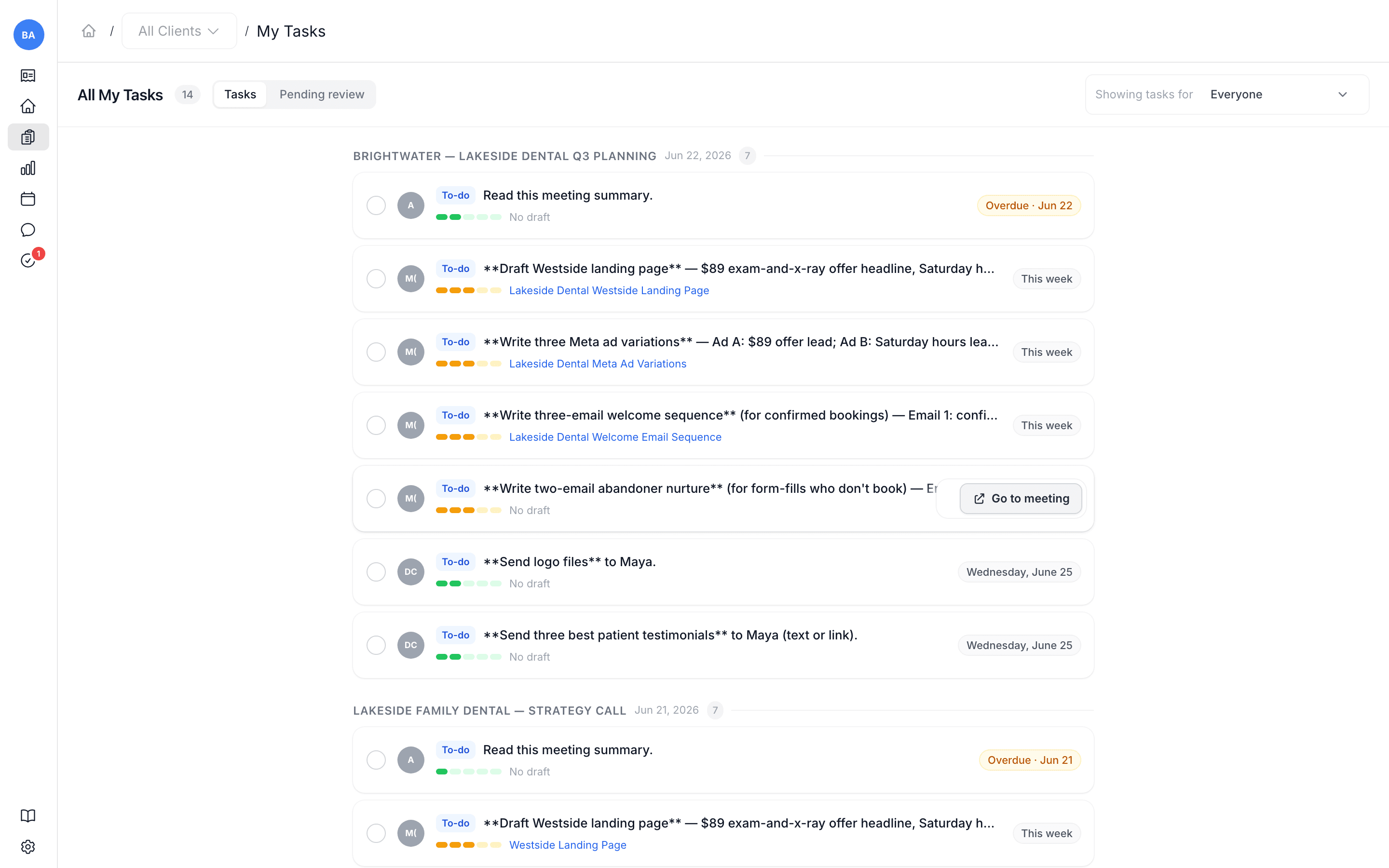
| My Tasks | Your to-dos across all meetings and clients, in one list. |
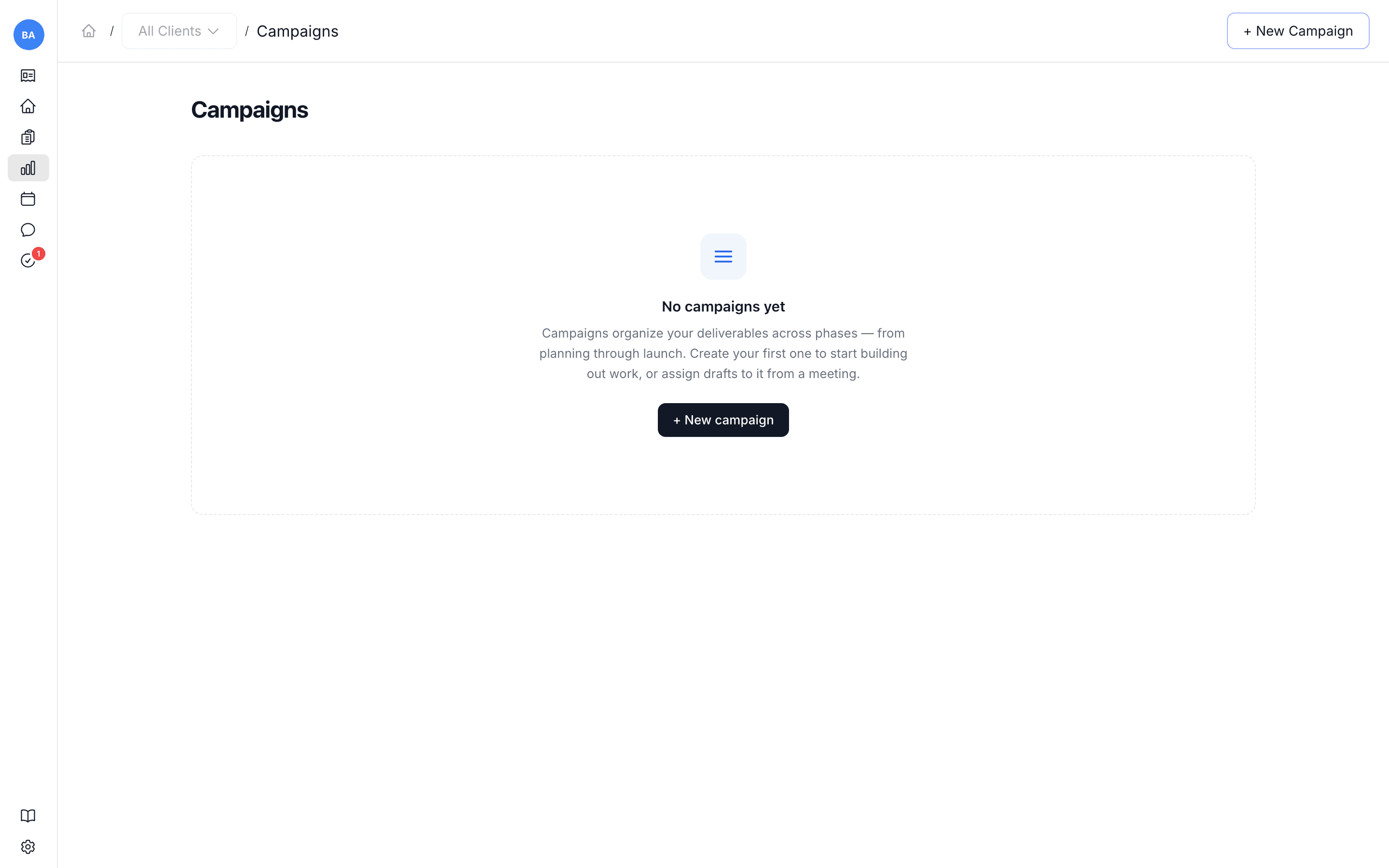
| Campaigns | Your campaigns per client — the central place finished work is organized over time. |
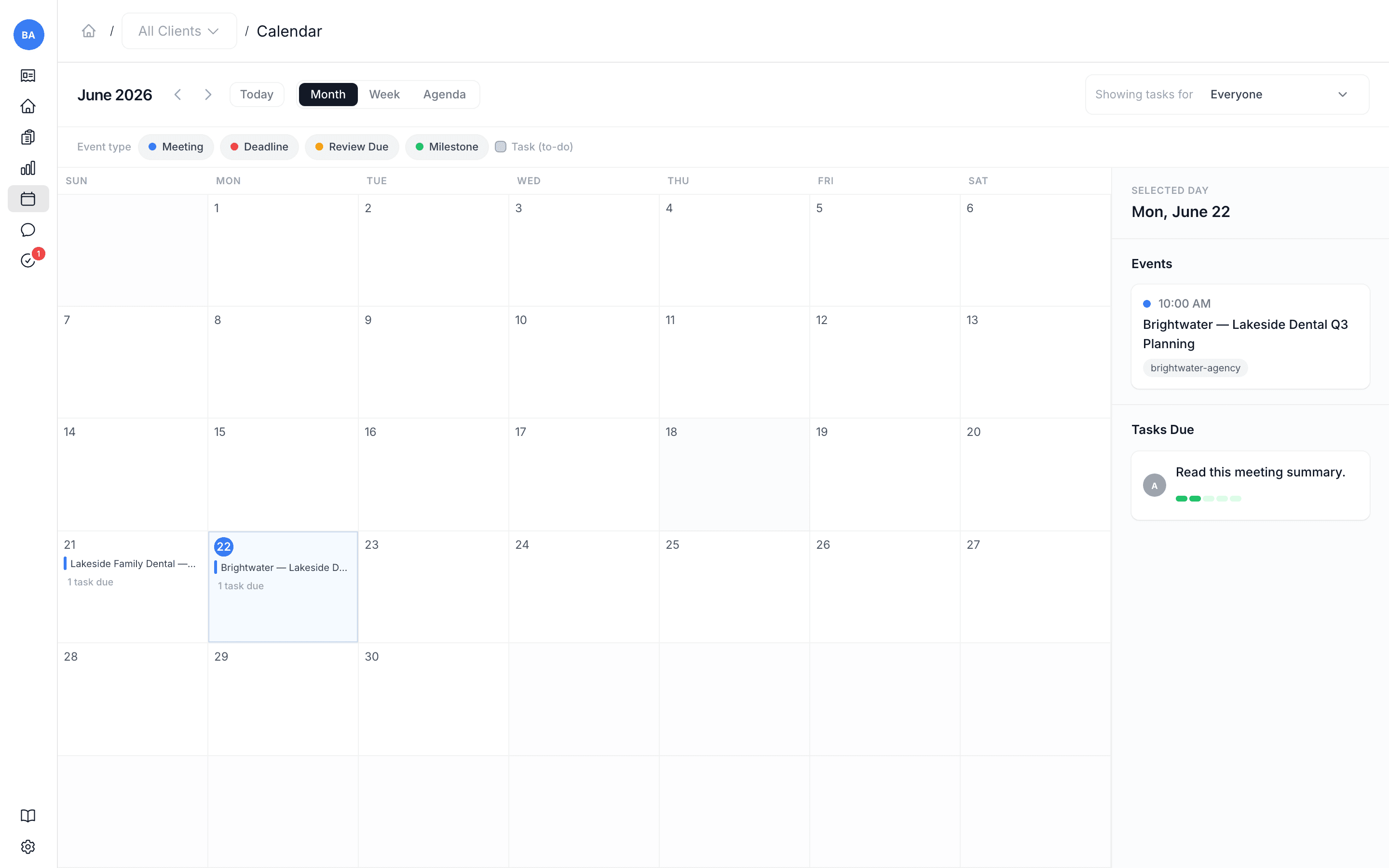
| Calendar | Your meetings, task due dates, and review due dates on a timeline (month, week, or agenda). |
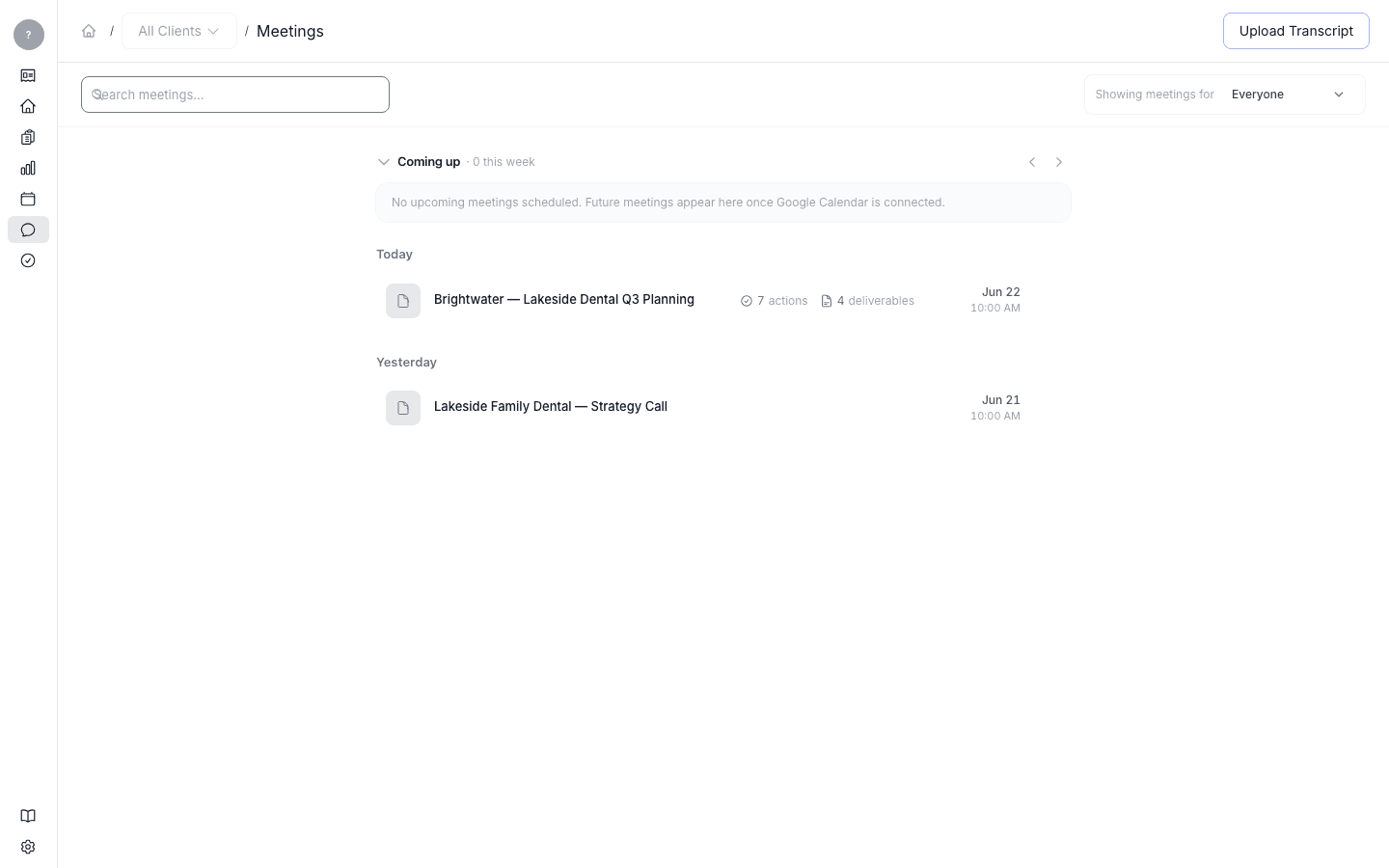
| Meetings | The inbox of meetings that have come in. Open one to see its digest; upload a transcript from here. |
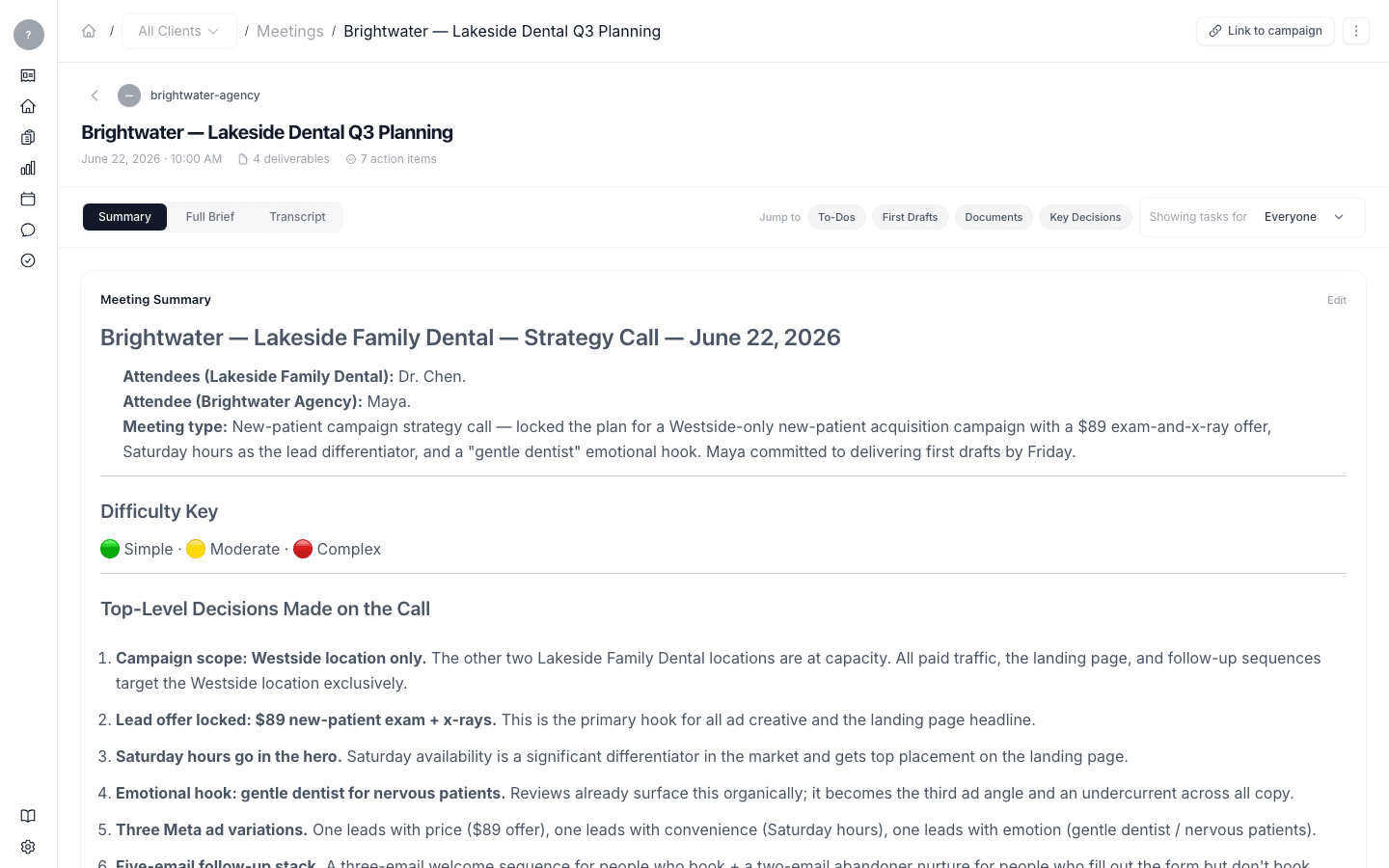
| Meeting digest | What a processed meeting produced — summary, key decisions, to-dos, and first drafts. (Opened from a meeting, not a sidebar item.) |
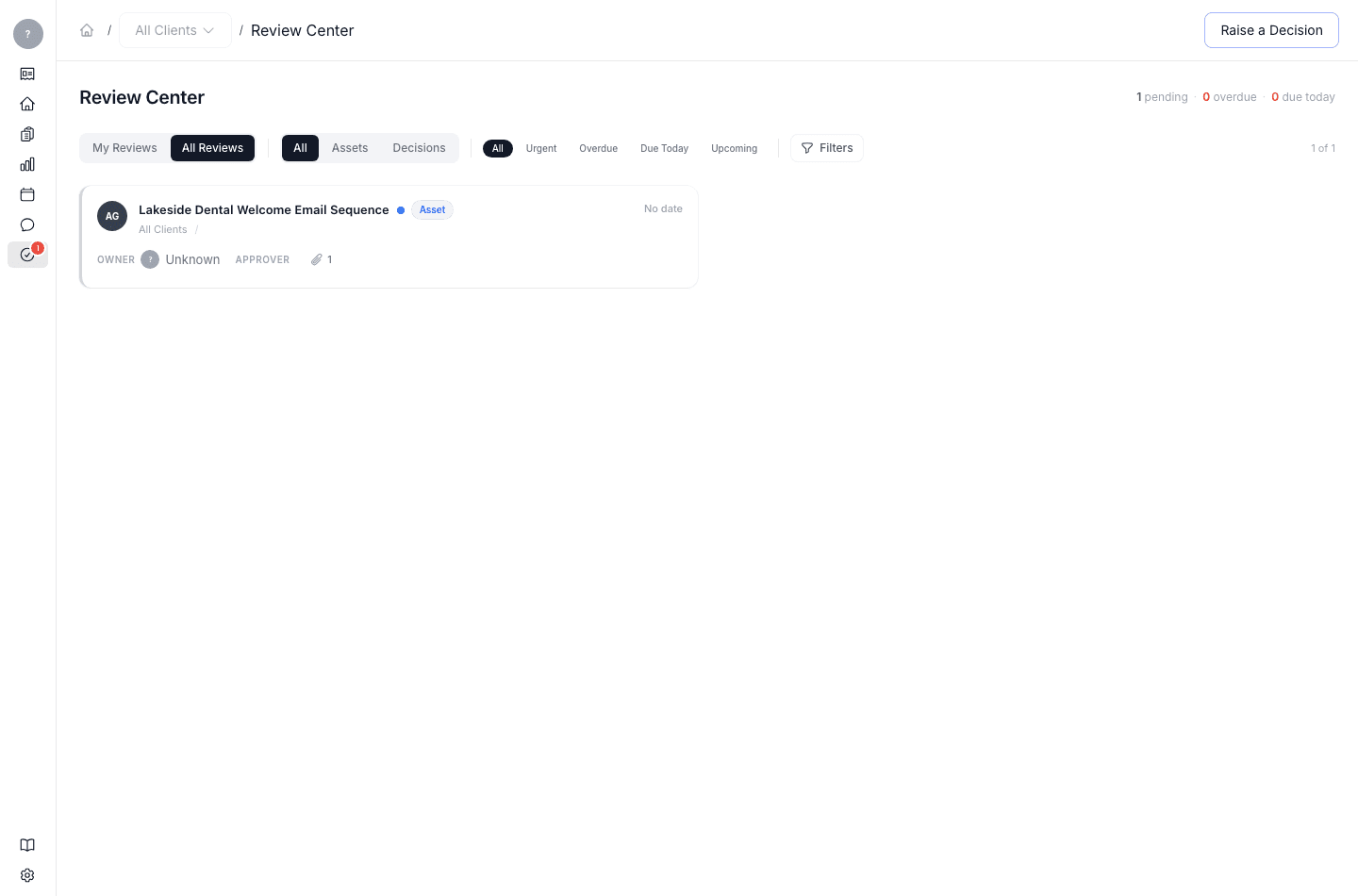
| Reviews | The Review Center — everything waiting on your decision, where you approve, request changes, or raise a decision. |
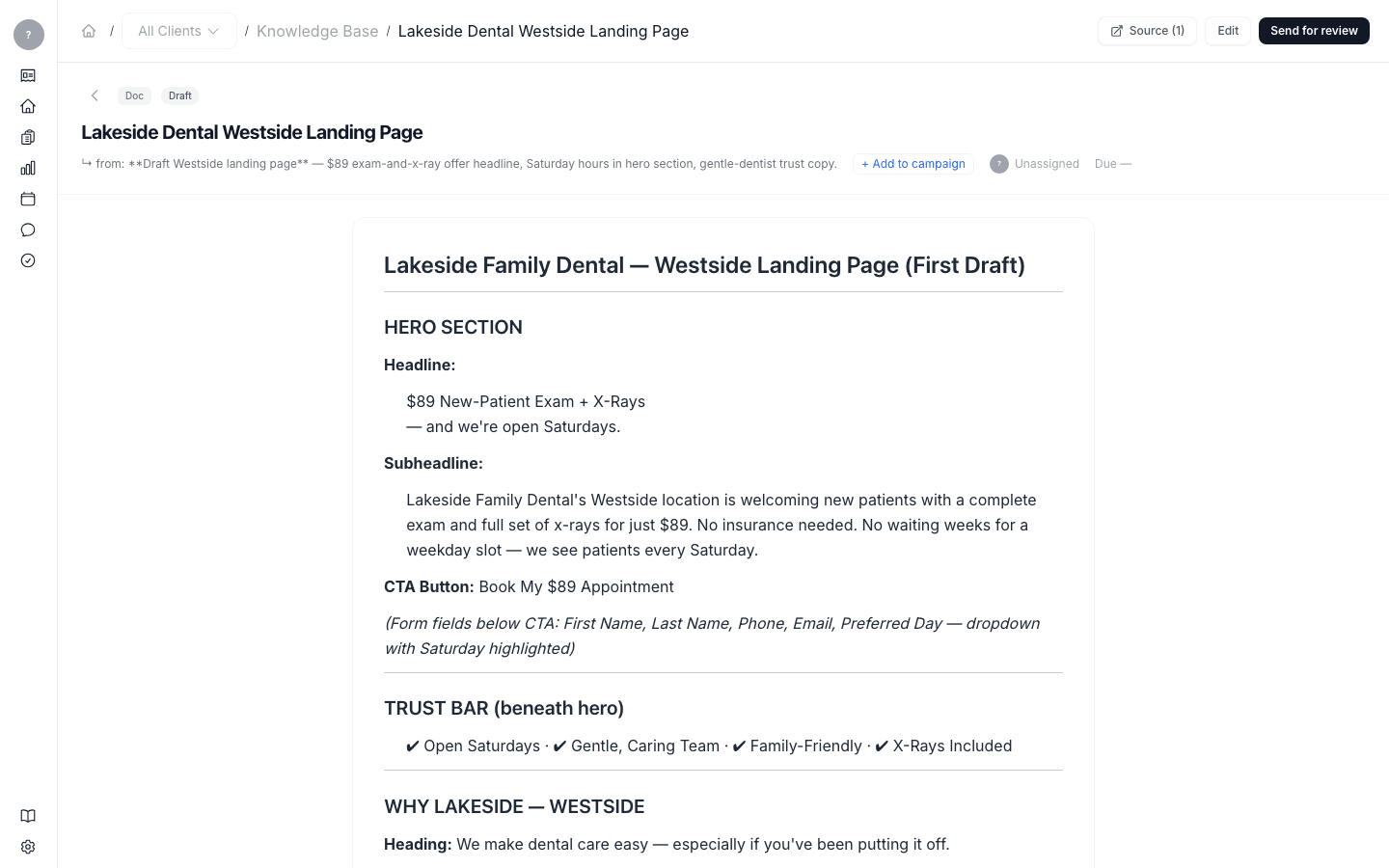
| Deliverable view | A single draft, with its source, content, and the actions to edit, send for review, and add to a campaign. (Opened from a meeting, review, or the Knowledge Base.) |
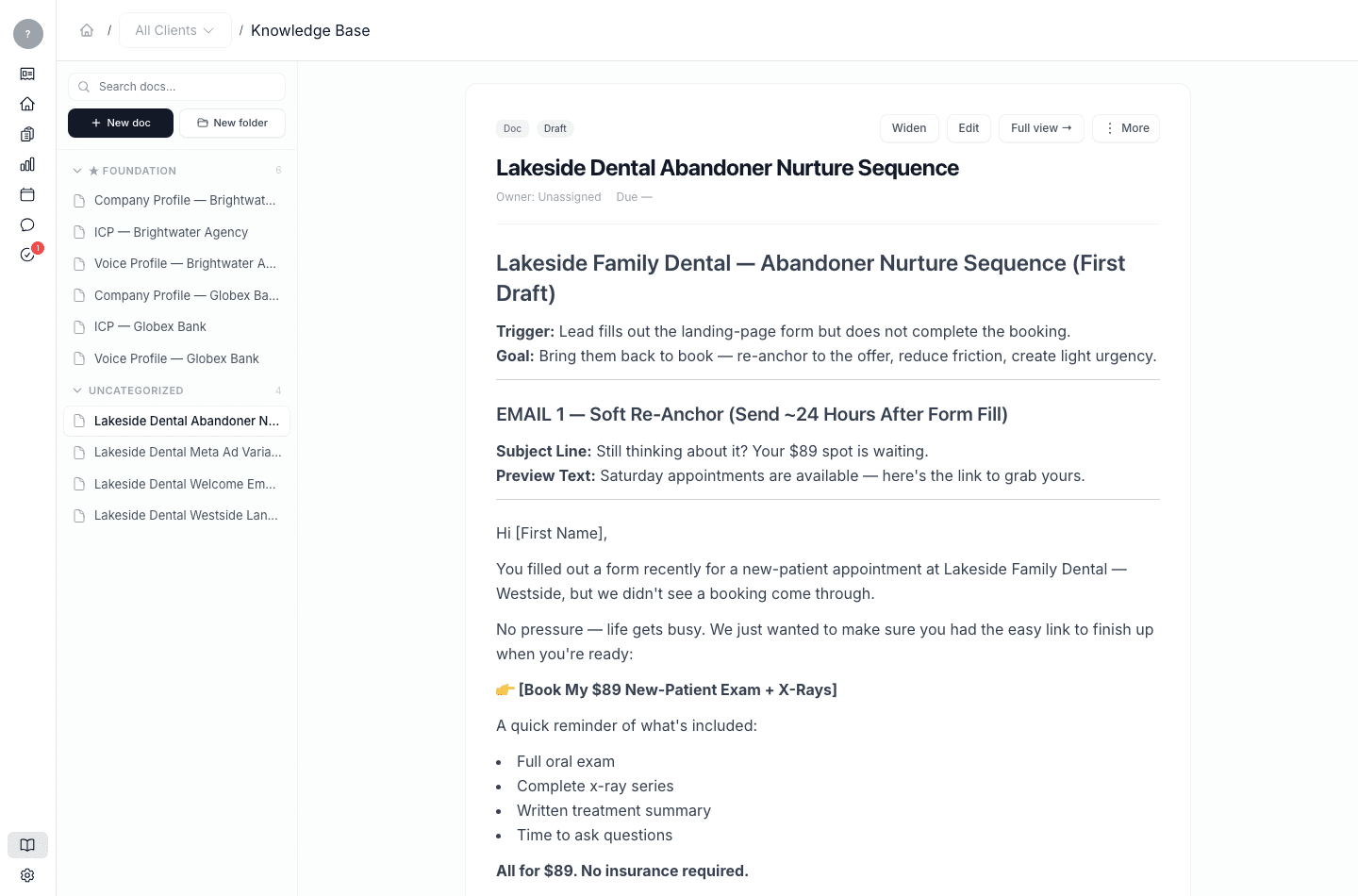
| Knowledge Base | Every document — foundation documents and the work produced from meetings. The system's source of truth and memory. |
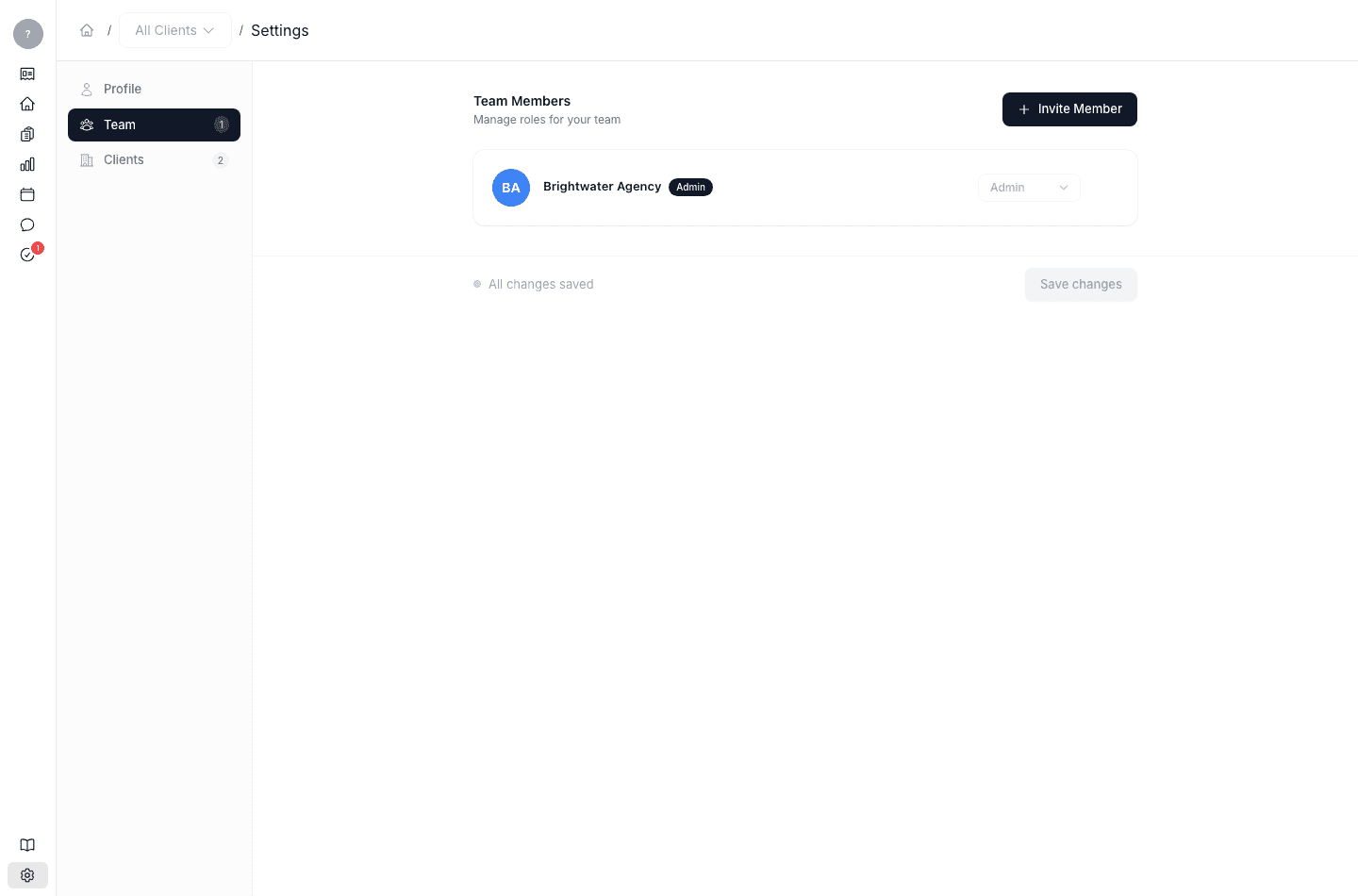
| Settings | Your profile, your team, and your clients. |
The screens
Home
My Tasks
Campaigns
Calendar
Meetings
Meeting digest
Reviews
Knowledge Base
Deliverable view
Settings