Reference
Where meetings come from
The two ways a meeting gets into Launch OS today.
Launch OS works from your meetings. Today there are two ways to get one in:
- Manual upload — upload a transcript file (
.txt,.md,.vtt, or.srt) from the Meetings screen. This is the quickest way to get started, and the right tool when you already have a transcript. See Upload a meeting transcript. - Shadow — connect Shadow so your meetings are sent in automatically as they happen, no manual step. This is the ongoing path once you're set up. See Connect Shadow.
Either way, once a meeting arrives it's processed the same way — into a summary, to-dos, and first drafts.
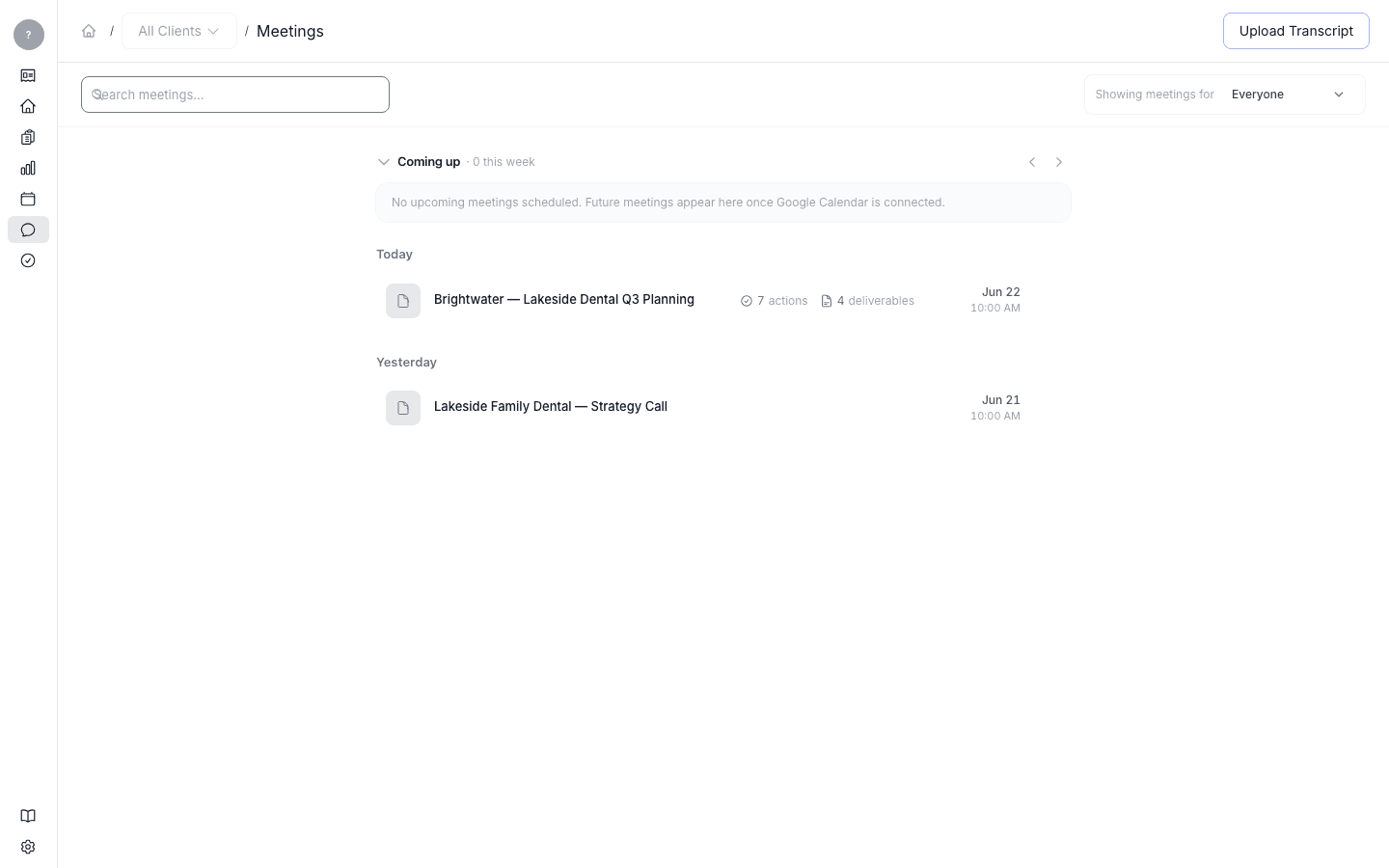
Connecting your calendar and meeting tools directly (so upcoming meetings appear automatically) is coming, but isn't available yet.