Set your page's title and description
Choose the title and short description that search engines show for your page.
The page title is the name that shows on the browser tab and in search results. The description is the short line of text under it in search results. Set both so people know what your page is about before they click.
Set the title and description
- Open your page in the editor.
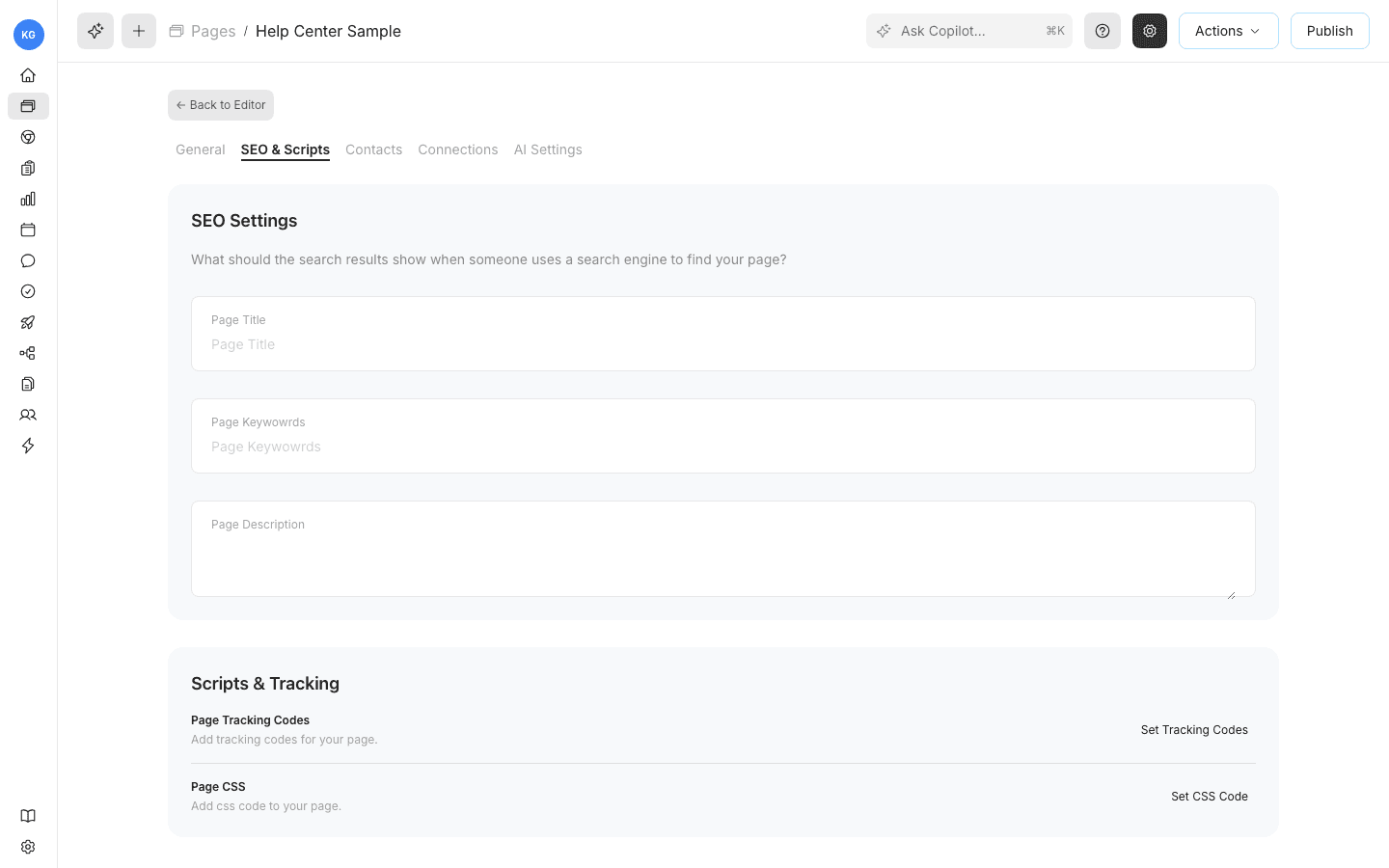
- Click the gear button at the top.
- Click the SEO & Scripts tab.
- Under SEO Settings, fill in:
- Page Title: a short name for the page, like
Free Spring Cleaning Checklist. - Page Description: one or two sentences about what visitors get.
- Page Keywords (optional): a few words people might search for, with commas between them.
- Page Title: a short name for the page, like
- Click Publish so the live page gets the new title and description.
Tips
- Keep the title under about 60 characters, so search results don't cut it off.
- Keep the description under about 155 characters.
- Say what the visitor gets, not just your business name.
Share picture and page icon
You can't yet choose your own share picture (the image that shows when someone posts your link) or page icon (the small picture on the browser tab). We're working on it.
Need help?
Email support@launchos.com.