Why the drafts sound like you
How Launch OS produces first drafts in your voice instead of generic output.
The first draft Launch OS hands you doesn't read like generic AI output — it reads like your agency, writing for your client. Here's why.
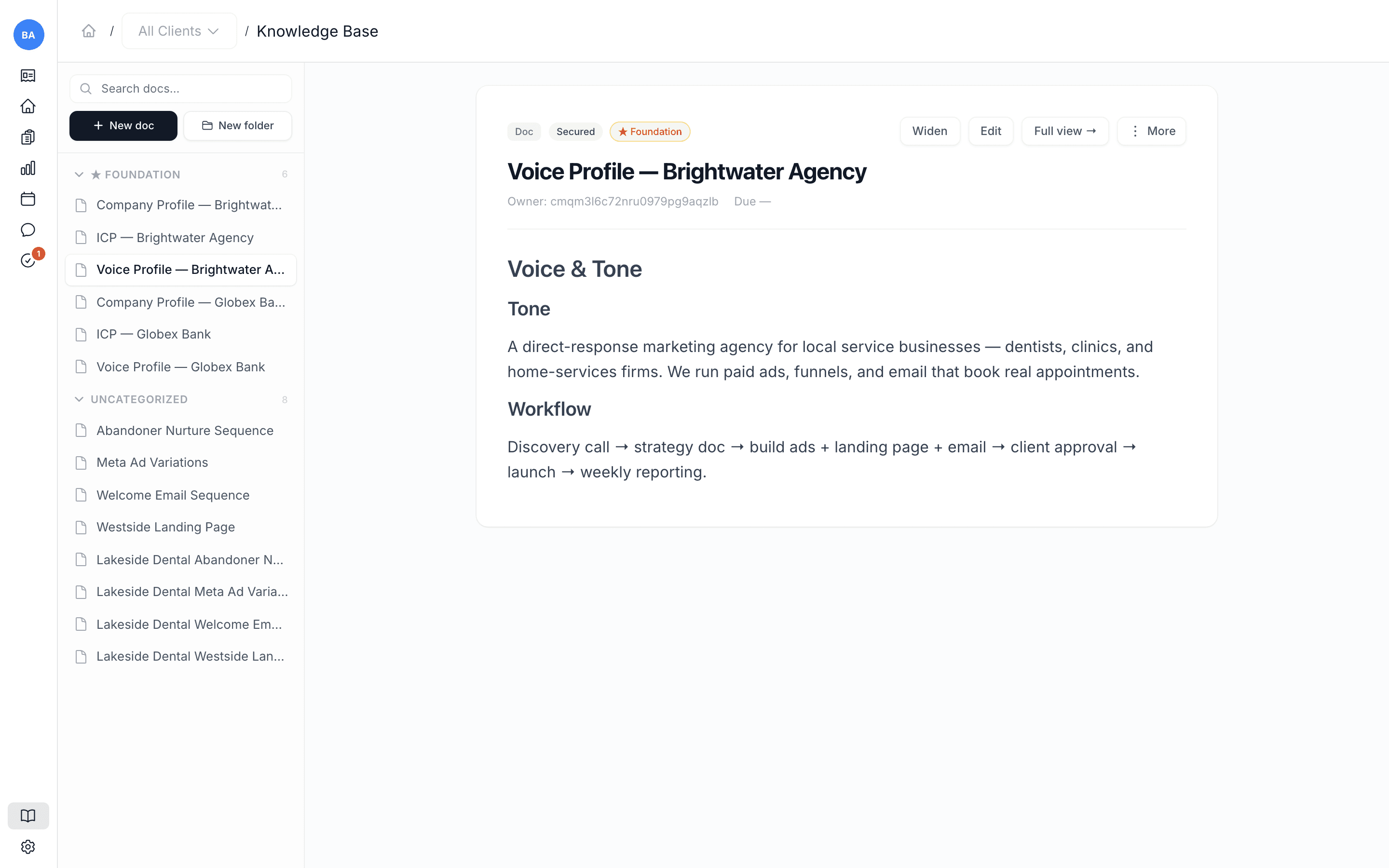
It doesn't start from a blank page
When Launch OS processes a meeting, it doesn't work from the transcript alone. It reads your whole Knowledge Base as context: your voice profiles, your foundation documents (company profiles, ideal-customer profiles, messaging frameworks), and the past work you've already approved for that client. So every draft is written with everything you've accumulated, not from scratch.
You can see this on any draft — it shows the client context it was given when it was written.
It gets better the more you use it
Because the system reads the Knowledge Base every time, the richer that Knowledge Base, the better each new draft. Sharpen a client's voice profile and their next drafts get more on-voice. Approve good work and it becomes context the system can build on.
The practical takeaway: when a draft isn't quite right, the most powerful fix usually isn't rewriting that one draft — it's improving the Knowledge Base, so every future draft starts closer. See Sharpen a voice profile.
How Launch OS Agents works
A plain mental model of how a meeting becomes finished, approved marketing work.
Your Knowledge Base is the home of everything — and the system's memory
Why the Knowledge Base is the most important screen in Launch OS, and how editing it steers everything the system produces.