Your Knowledge Base is the home of everything — and the system's memory
Why the Knowledge Base is the most important screen in Launch OS, and how editing it steers everything the system produces.
The Knowledge Base can look like just another screen — a place to keep some documents. It's actually the center of how Launch OS works. Understanding it is the difference between using the product and steering it.
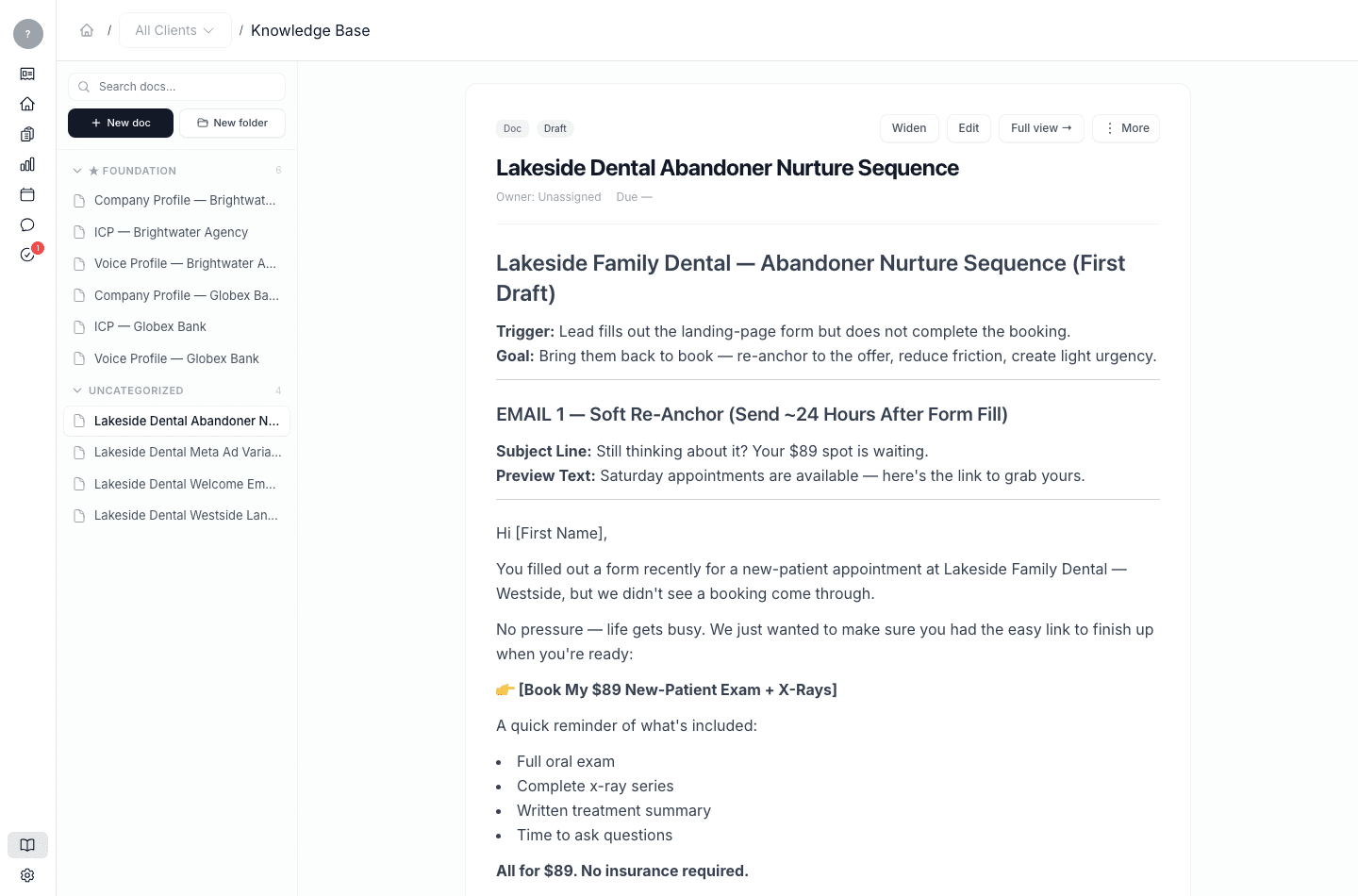
It's the home of every asset
Everything in Launch OS lives in the Knowledge Base. Not just your foundation documents — your company profile, your ideal-customer profiles, your voice profiles — but every deliverable a meeting produced, every campaign artifact, and every document you create. Other screens, like a meeting digest or a campaign, are really just different views onto what's in the Knowledge Base.
It's also the system's memory
Here's the part that matters most. When Launch OS processes a meeting, it doesn't work from the transcript alone. It reads your whole Knowledge Base as context — your voice profiles, your foundation documents, and the past work you've already approved for that client. That's why a first draft already sounds like you and already knows your client: it was written with everything you've accumulated, not from a blank page.
You can see this on any draft: a line shows the client context that was loaded when it was written.
So editing the Knowledge Base steers your output
Because the system reads from the Knowledge Base every time it works, what you keep there shapes what it produces next. Sharpen a client's voice profile, and future drafts for that client get more on-voice. Add a clear messaging document, and new drafts pull from it. Approve good work, and it becomes context the system can build on.
This is the practical takeaway: when the drafts aren't quite right, the most powerful fix isn't editing each draft over and over — it's improving the Knowledge Base, so every future draft starts closer. Steering the Knowledge Base is how you steer Launch OS.