People: how form leads land in your contacts
What happens when someone fills in a form on your funnel or site, and how to see who came from where.
When someone fills in a form on one of your funnels or sites, Launch OS adds them to People on their own. You don't need to copy anything over.
This works for forms you build in the Launch Pages or Launch Funnels editor. A form inside an HTML page you uploaded to Launch Sites doesn't reach People yet. It still sends to wherever it was built to send, such as HubSpot.
What happens when someone fills in a form
- A visitor types their details into a form on your page and sends it.
- Launch OS adds them to People as a new contact, with what they typed.
- Launch OS also notes which page, funnel and site the form was on.
If you connected an email tool to that page, the contact goes there too.
See who came from one funnel or site
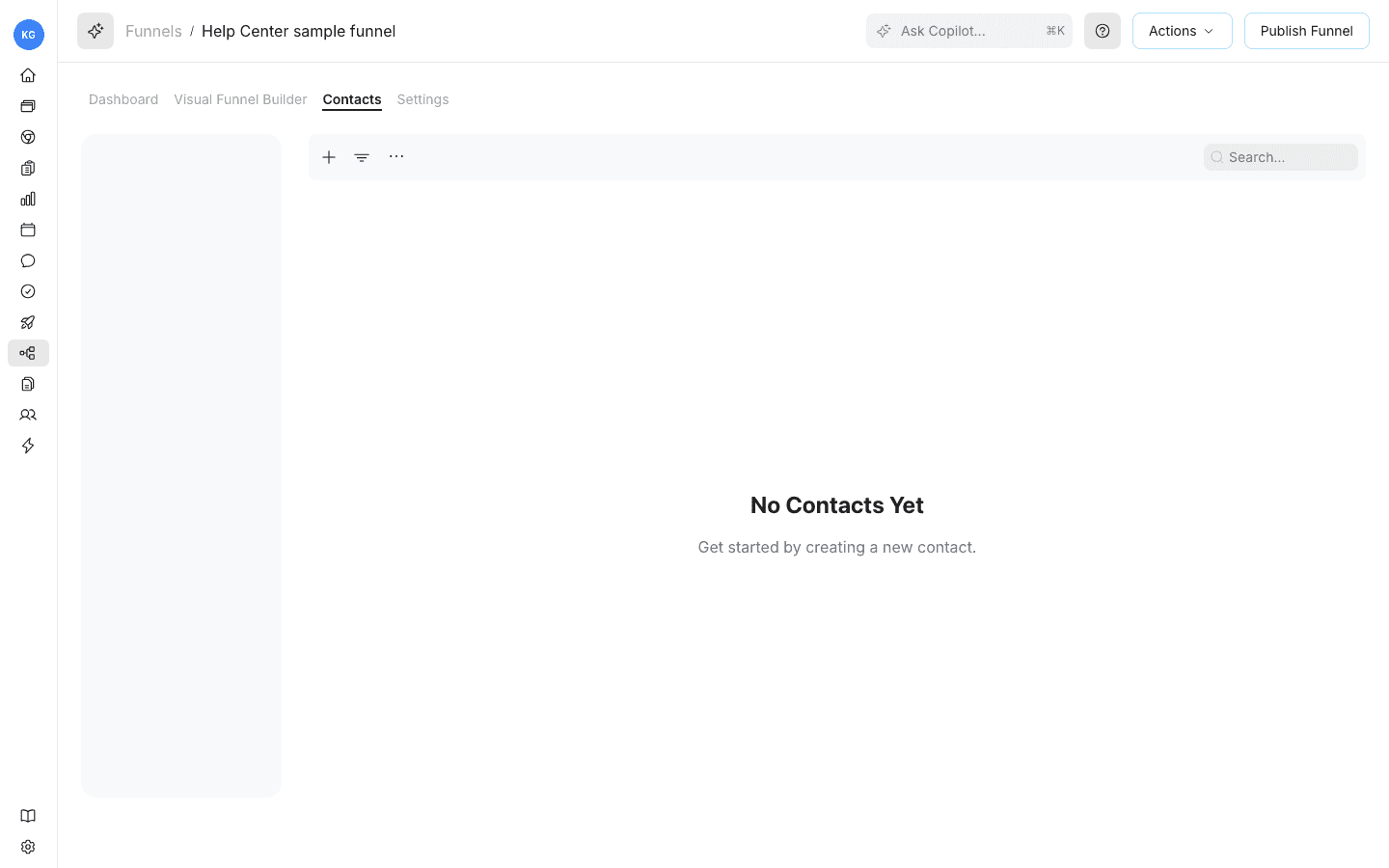
- Open Funnels or Sites from the left menu.
- Click the funnel or site.
- Click the Contacts tab.
You see only the people who filled in a form on that funnel or site. You can search and page through this list the same way as in People.
To see everyone from every form, open People.
What to know
- The same person can show up twice. If someone fills in two forms, or the same form twice, they're added each time. Search for their email to find every copy, then delete the extras.
- Contacts you import, or add in People, don't show on a funnel's or site's Contacts tab. They're in People.
Need help?
Email support@launchos.com.