Your first full loop — one draft to approved campaign work
Take a single first draft all the way through — edit it, send it for review, approve it, and add it to a campaign.
In From sign-in to your first drafts you saw a meeting turn into drafts. This tutorial walks one of those drafts the rest of the way: from a first draft to approved work sitting in a campaign. It's the motion you'll repeat for every piece of work in Launch OS, so it's worth doing once, slowly, start to finish.
You'll need a meeting that's already been processed, with at least one first draft. About 10 minutes.
Step 1 — Open a to-do and its draft
Open your meeting's digest and find the To-Dos list. Pick one to-do and click the "→" link next to it. The first draft written for that to-do opens.
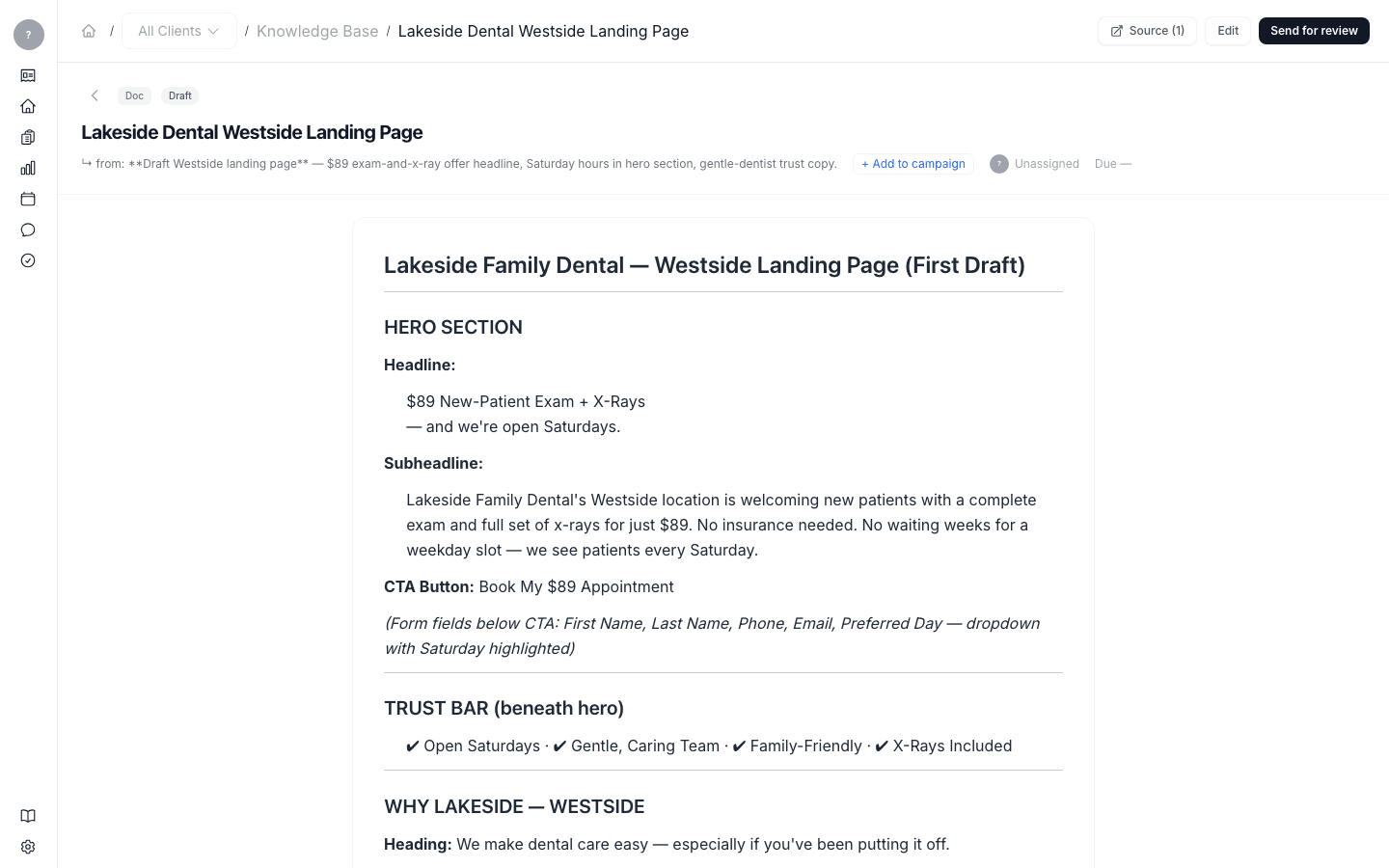
Notice the draft shows where it came from — the "↳ from:" line names the action item, and it links back to the meeting. Read the draft. It won't be perfect, but it should be a real, usable starting point in your voice.
Step 2 — Edit it
Click Edit and make the draft yours — tighten the copy, fix anything off, add what's missing. Save your changes. Launch OS keeps your edit as a new revision, so nothing is lost.
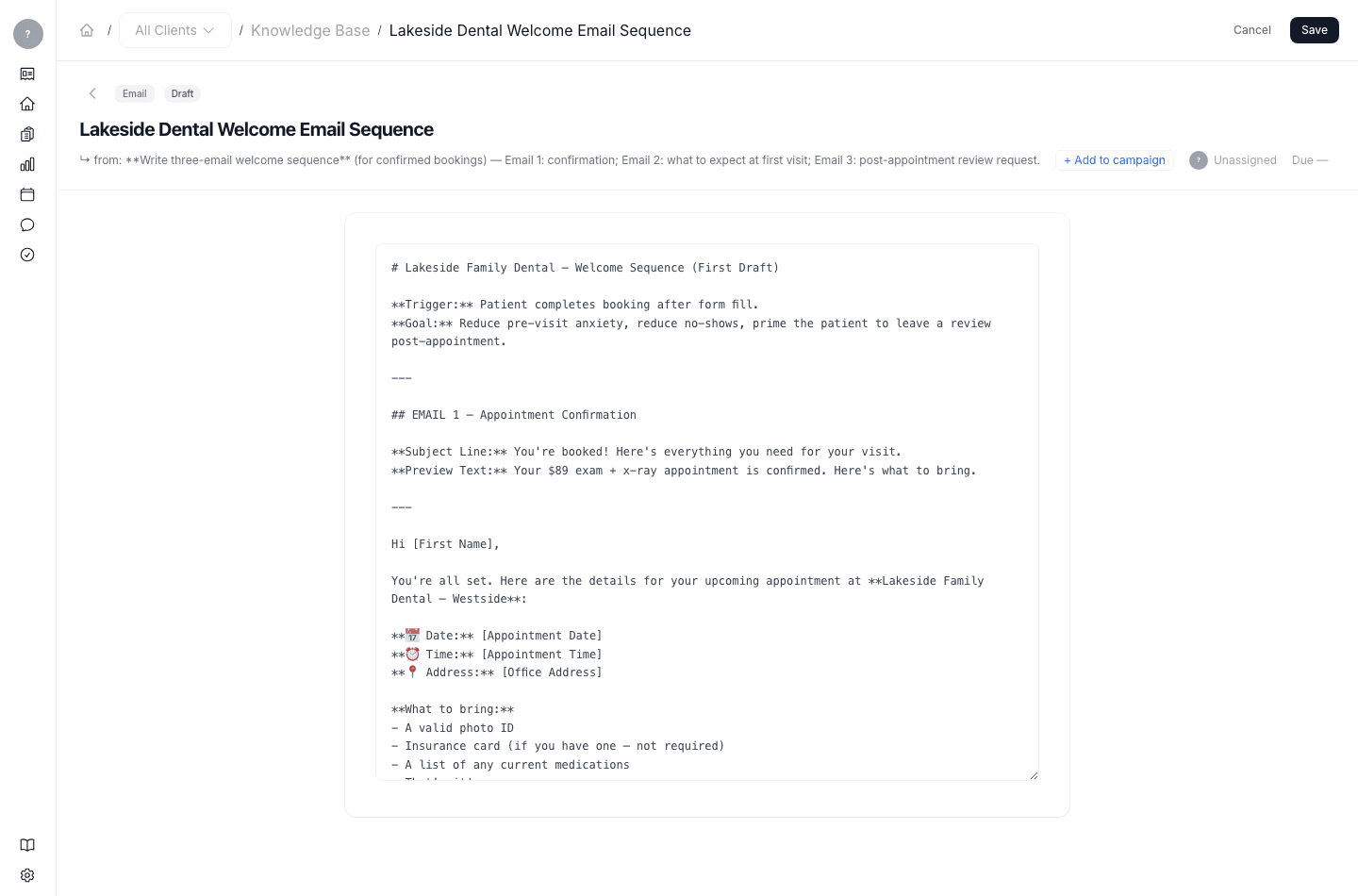
Step 3 — Send it for review
Click Send for review. Choose who should review it — a teammate, or the client if they approve their own work — and add a short note of context. Submit it.
The draft now sits in that person's Review Center, waiting for their decision.
Step 4 — Approve it
Open Reviews. (In real life this is the reviewer's step; for this walk-through you can play both roles.) Find the item, open it, and click Approve.
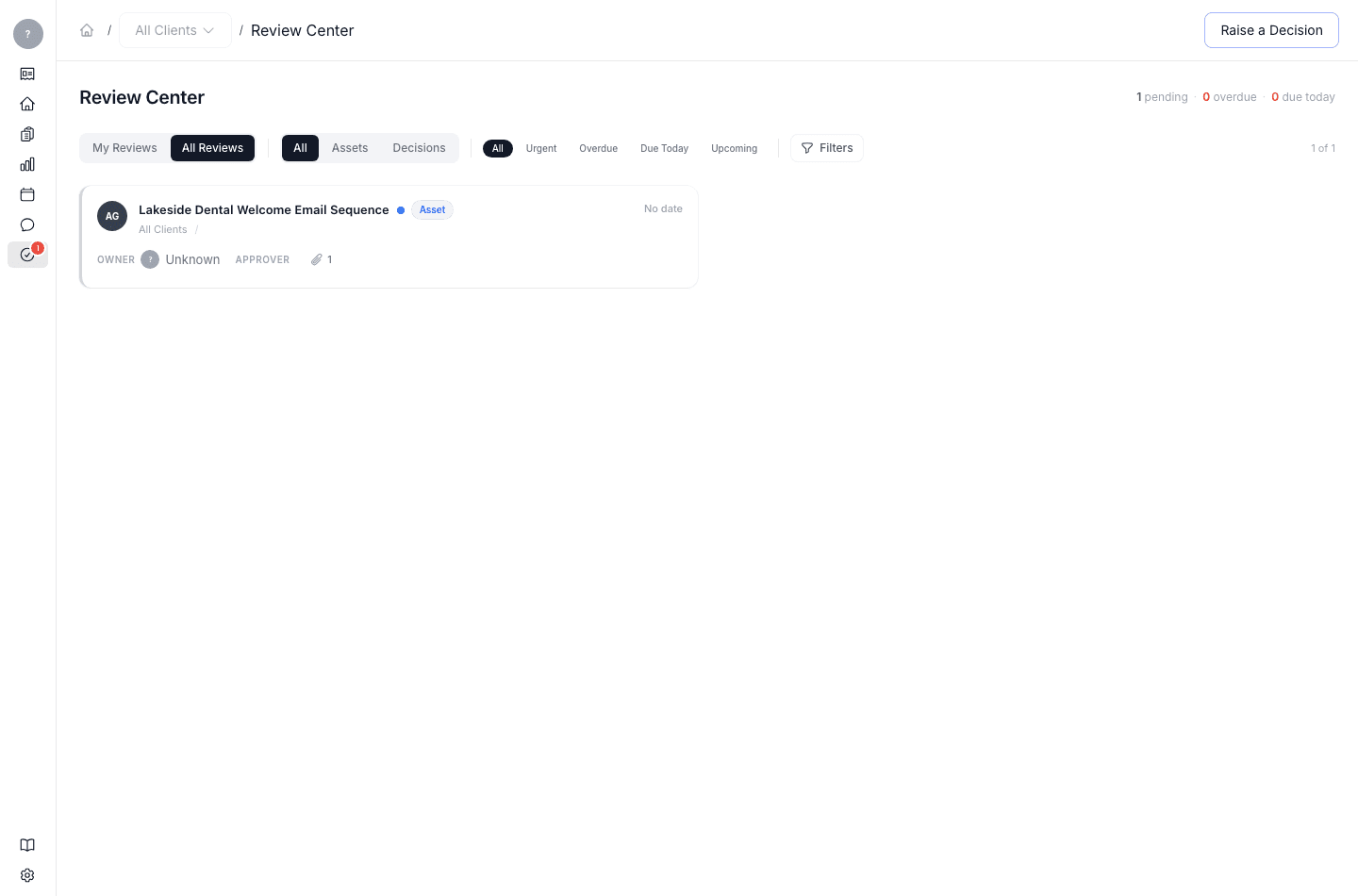
If something needed fixing, you'd click Request changes instead and send it back with a comment — but for this loop, approve it.
Step 5 — Add it to a campaign
Back on the approved deliverable, click Add to campaign and choose the campaign it belongs to. That's it — the work is now finished and filed where the rest of that campaign's work lives.
You've done the whole loop
A meeting became a draft, you made it yours, a person approved it, and it landed in a campaign. Every piece of work in Launch OS follows this same path. From here, the How-to guides cover each step in more detail when you need it, and the Explanation section covers why the drafts already sound like you — and how they get better over time.
From sign-in to your first drafts
Sign in, set up your workspace, and turn your first meeting into a summary, a task list, and first-draft marketing deliverables — in about 20 minutes.
Set up your agency profile and brand
Tell Launch OS who your agency is and how you sound, so it can work in your voice.